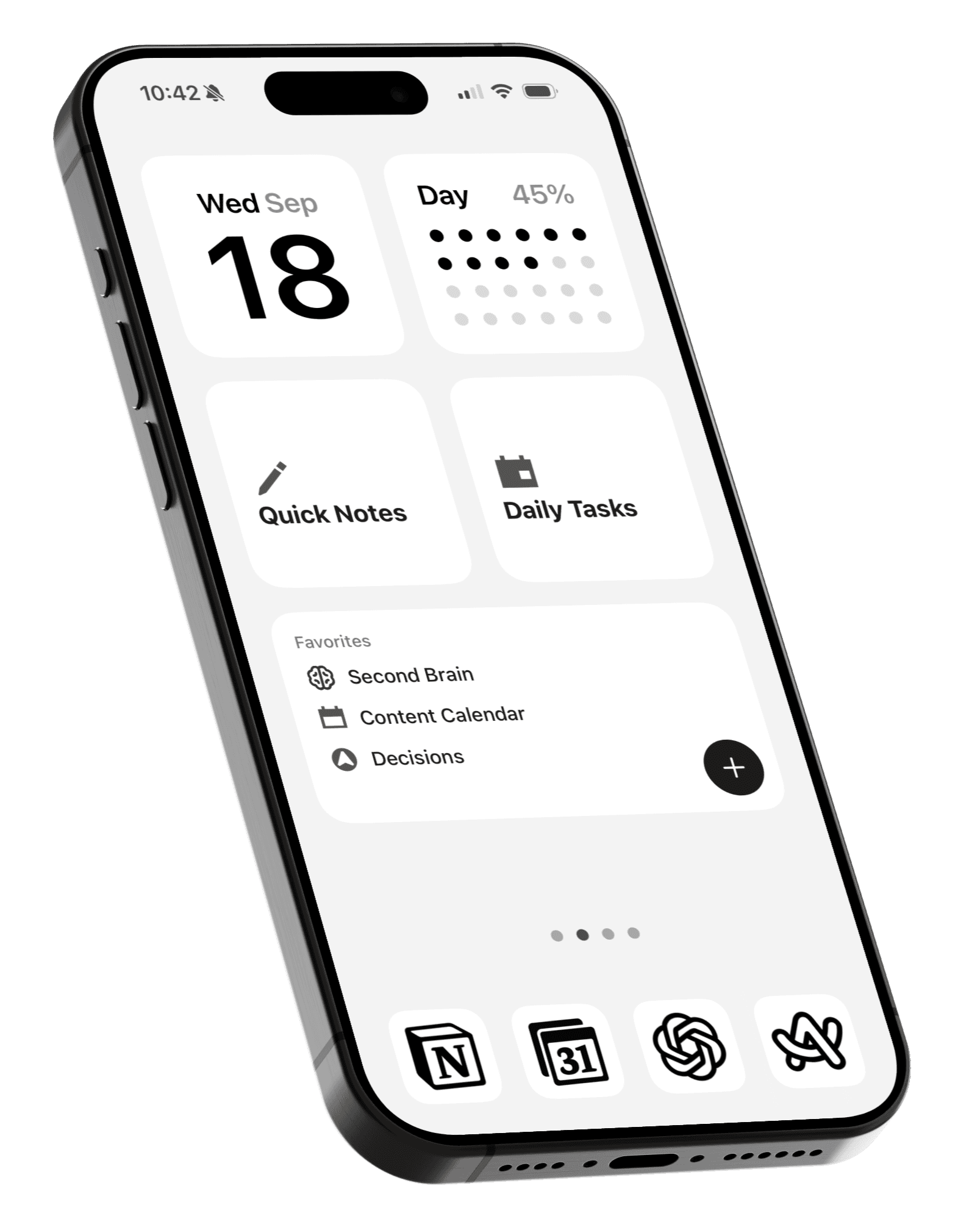
Try this app before buying a dumb phone
Popular Android launcher for minimalists is now available on iOS.
People today are moving away from smartphones to feature phones like Nokia and modern alternatives like The Light Phone.
But not everyone can easily give up the utility of a smartphone.
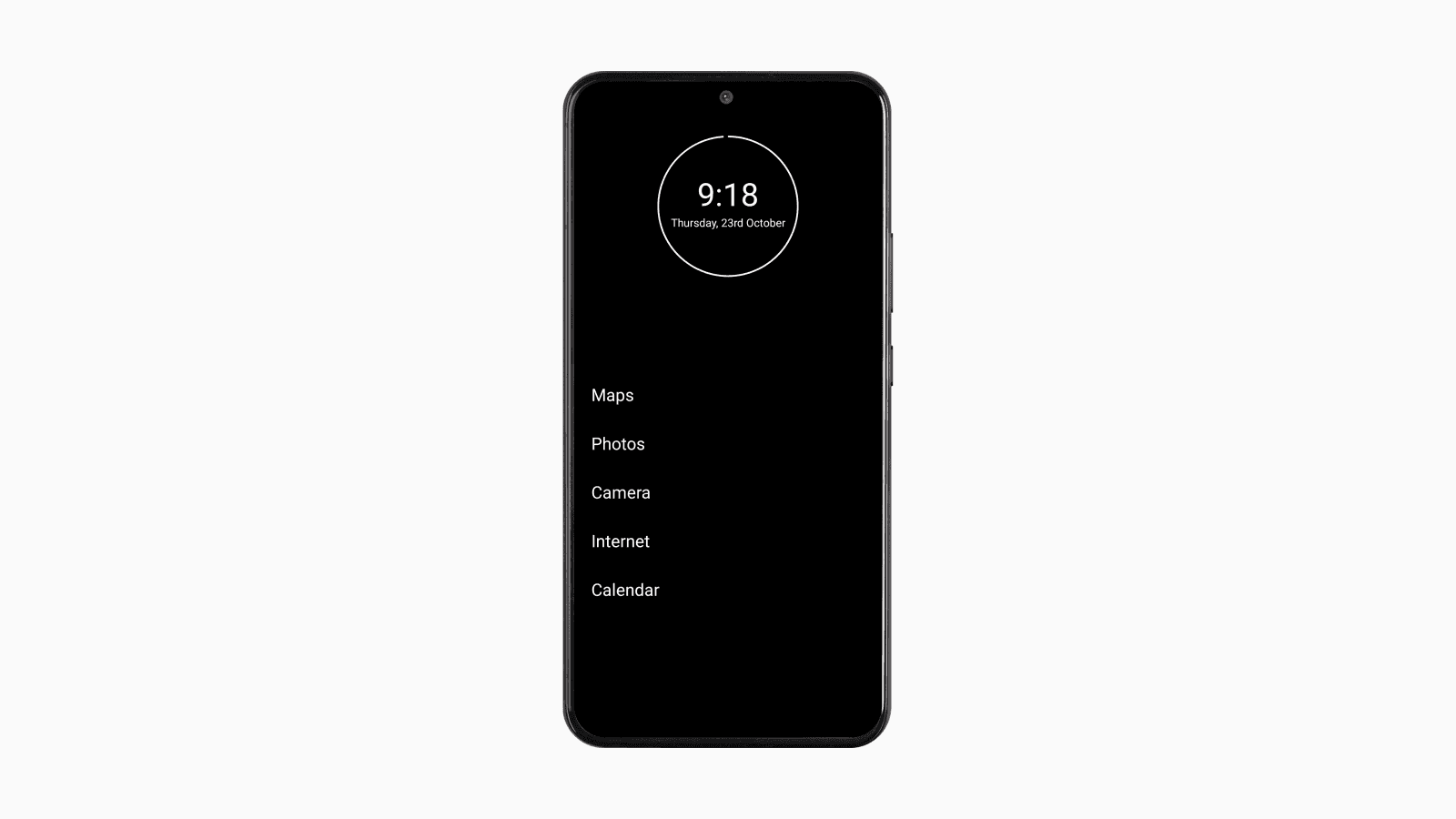
This is where the Minimalist Phone launcher comes in.
It transforms your home screen into a text-based app launcher that only displays a few essential apps.
Android
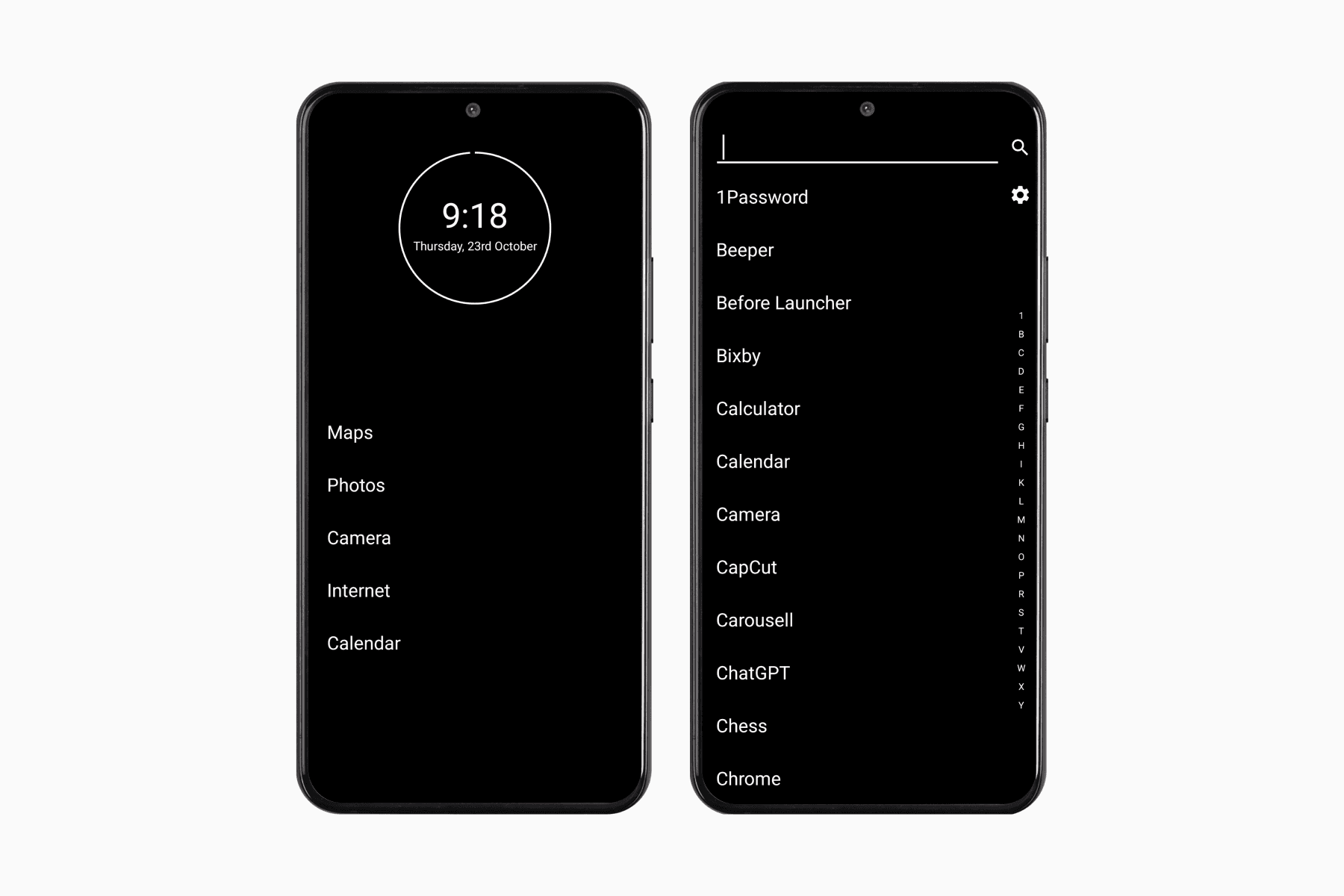
For Android users, Minimalist Phone has long been a popular choice among minimalists.
The setup is straightforward because users can set third-party apps as the default home app.
It just requires some permissions and the selection of your essential apps to complete the setup.
iPhone
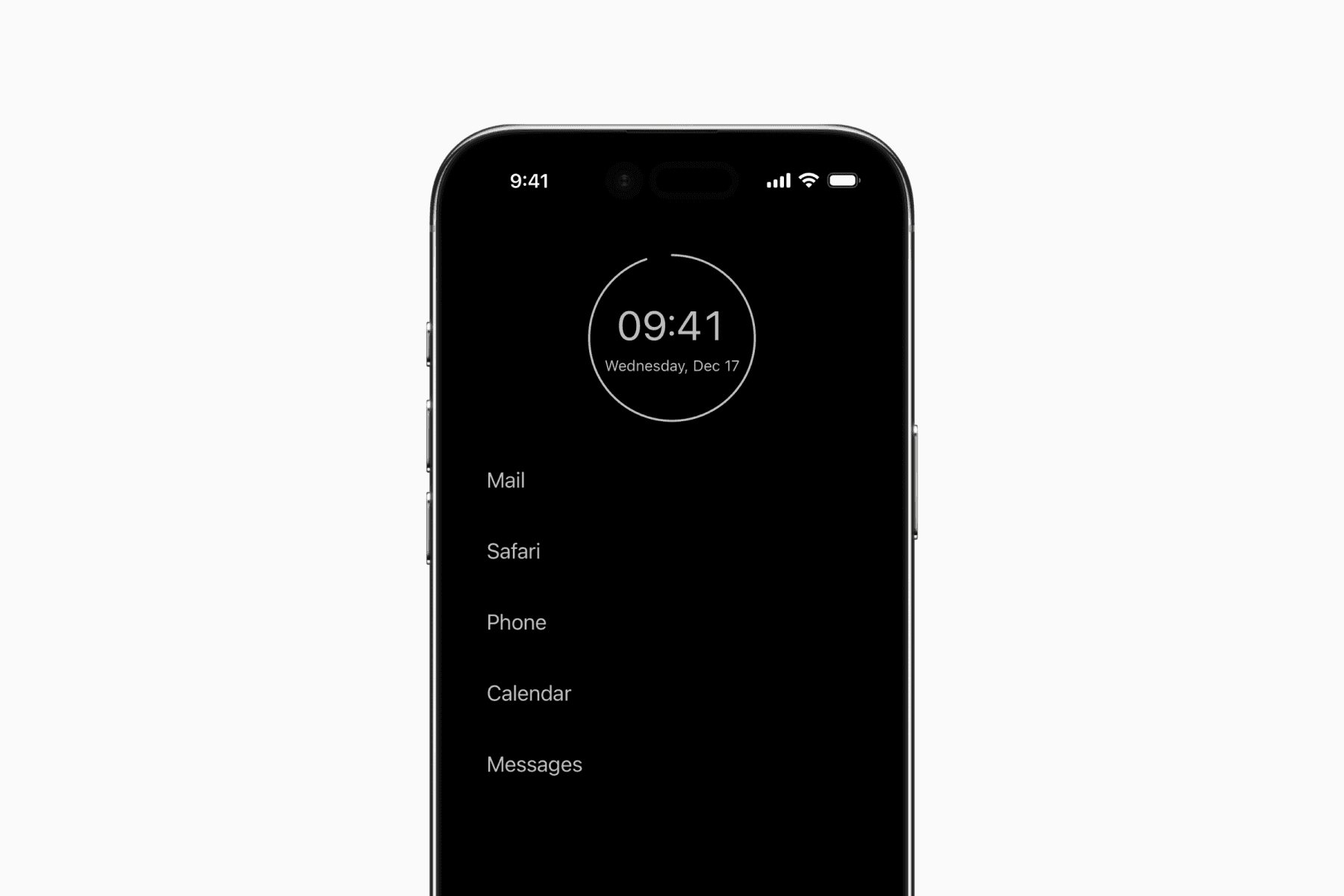
While iPhones don’t directly support custom app launchers, you can still achieve a similar setup using widgets.
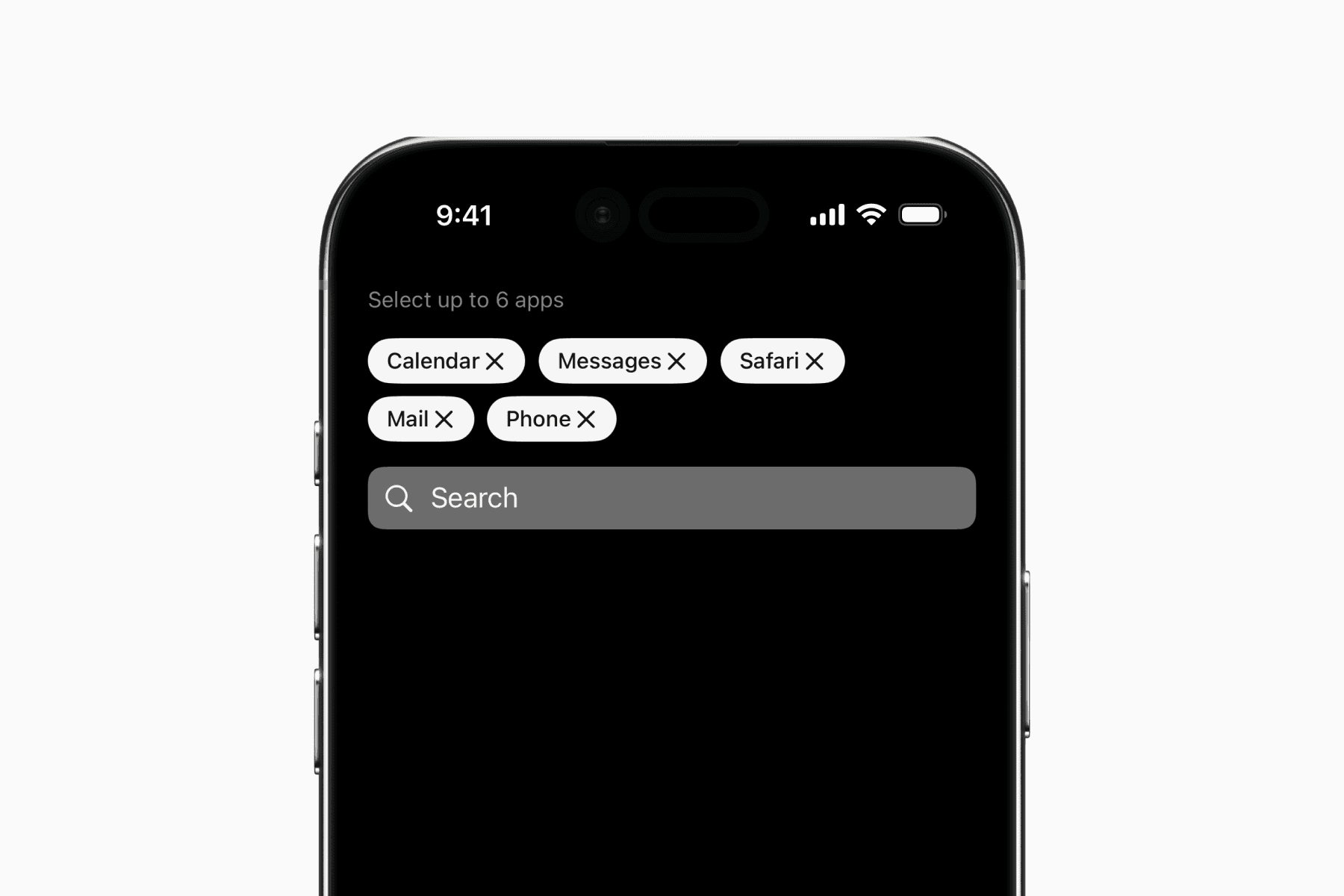
After downloading the Minimalist Phone app, you start by selecting your essential apps.
Then go to your Home Screen to add a medium widget at the top and a large widget at the bottom. The first will display the date and time, while the latter will be for the apps.
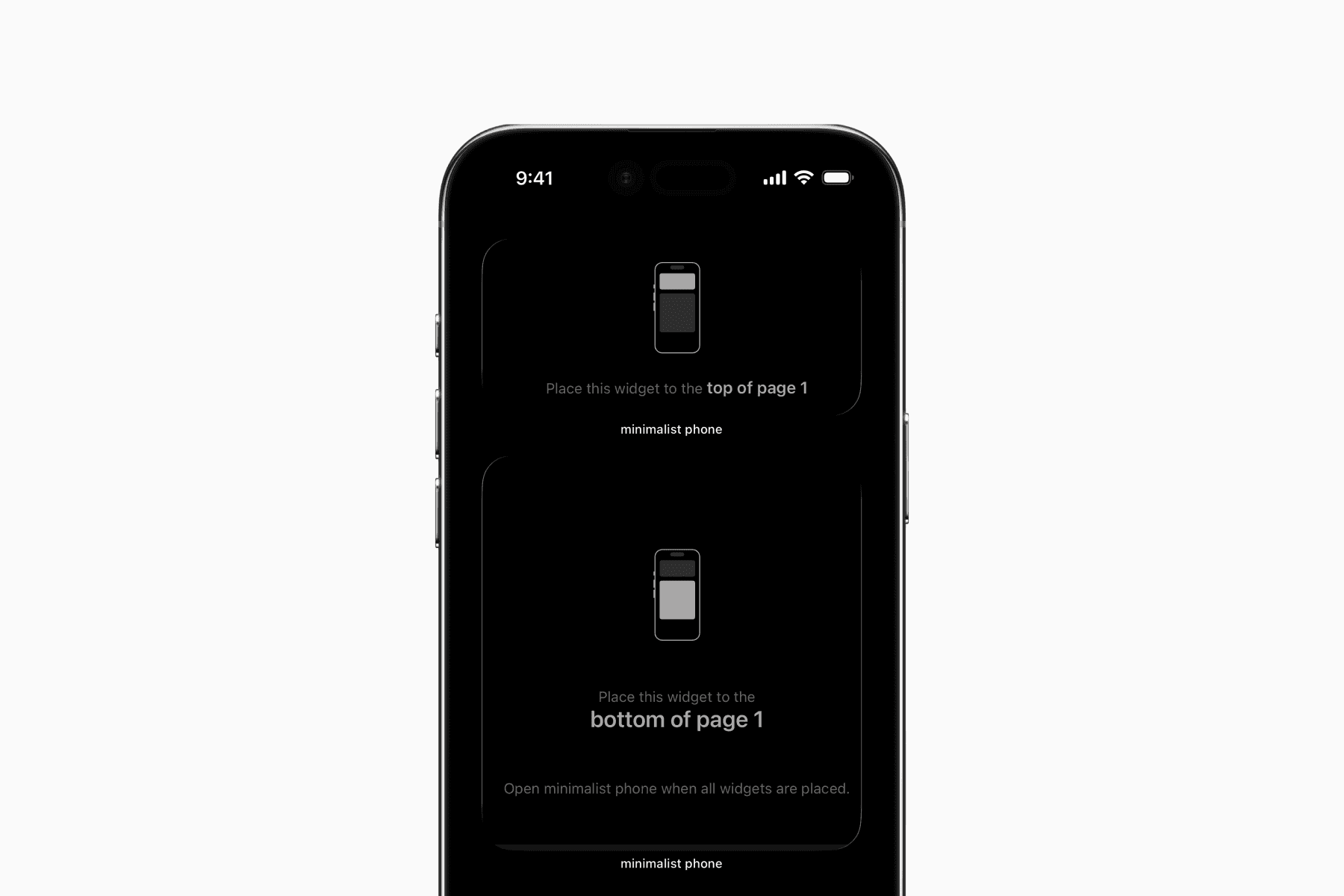
Next, save the provided wallpaper to set as your Home Screen wallpaper.
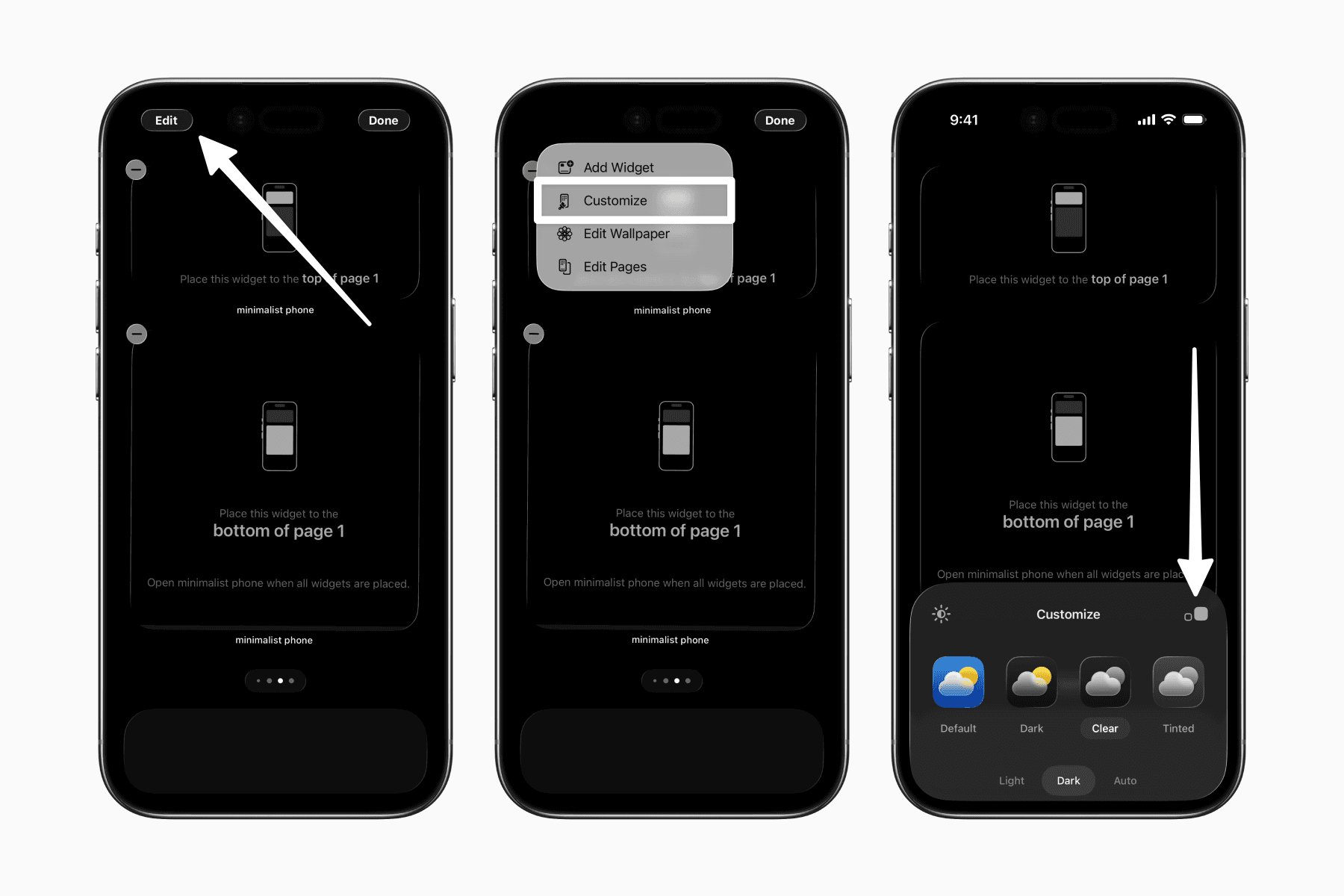
Lastly, if you haven’t already, customize your Home Screen to hide the app names.
If you’re using iOS 18 or earlier, your widget should blend seamlessly with your home background. This trick is also used by similar launcher apps like Dumb Phone and a minimalist to-do app called SyncTasks.
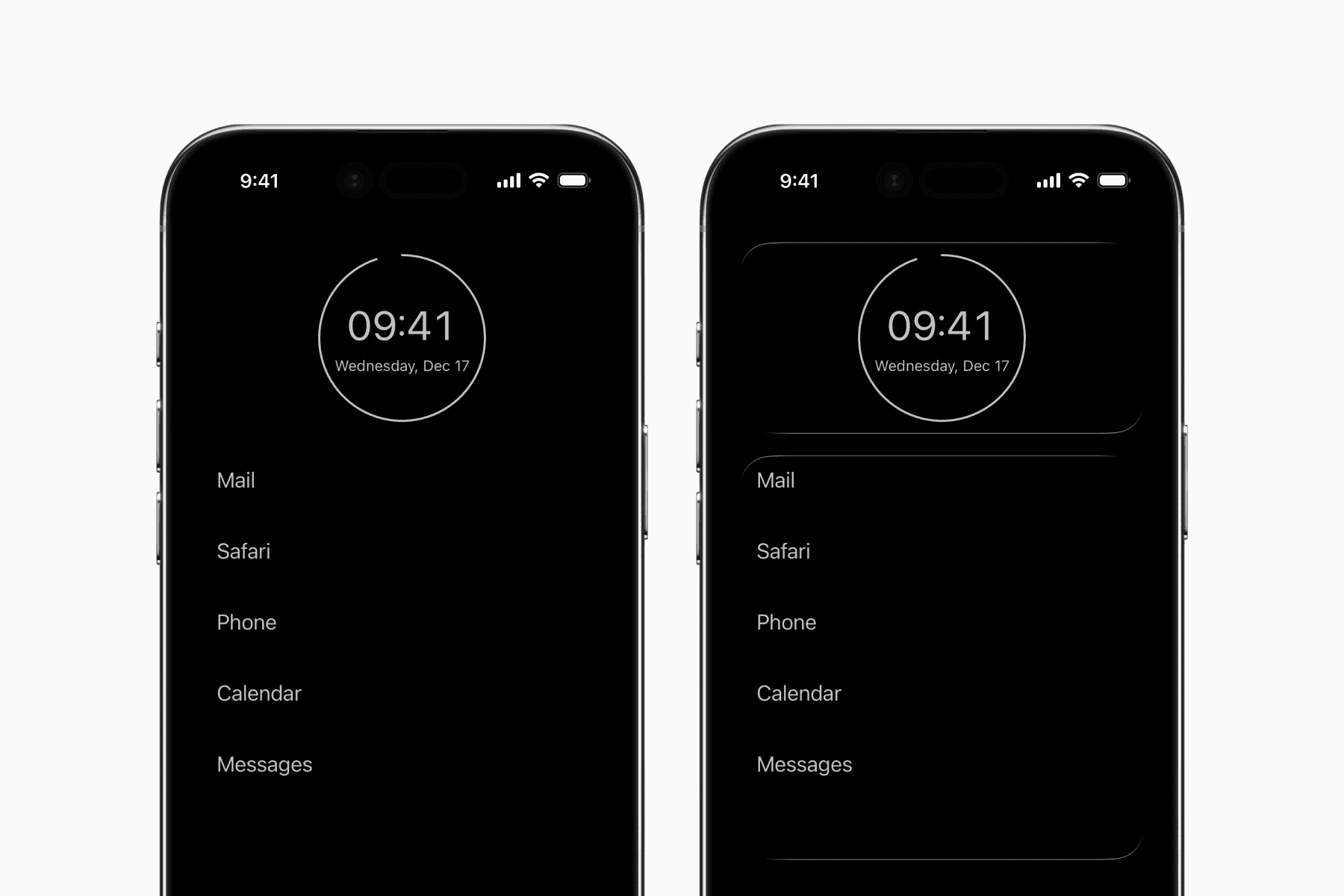
Unfortunately, the new glass design of iOS 26 makes this trick appear less seamless. The reflection-like border added to all app icons and widgets disrupts the smooth blending of your widgets with your home background.
Regardless, the Minimalist Phone app still helps one achieve a more focused setup.