The Brick First Impressions
A physical device that adds an extra step before opening distracting apps.
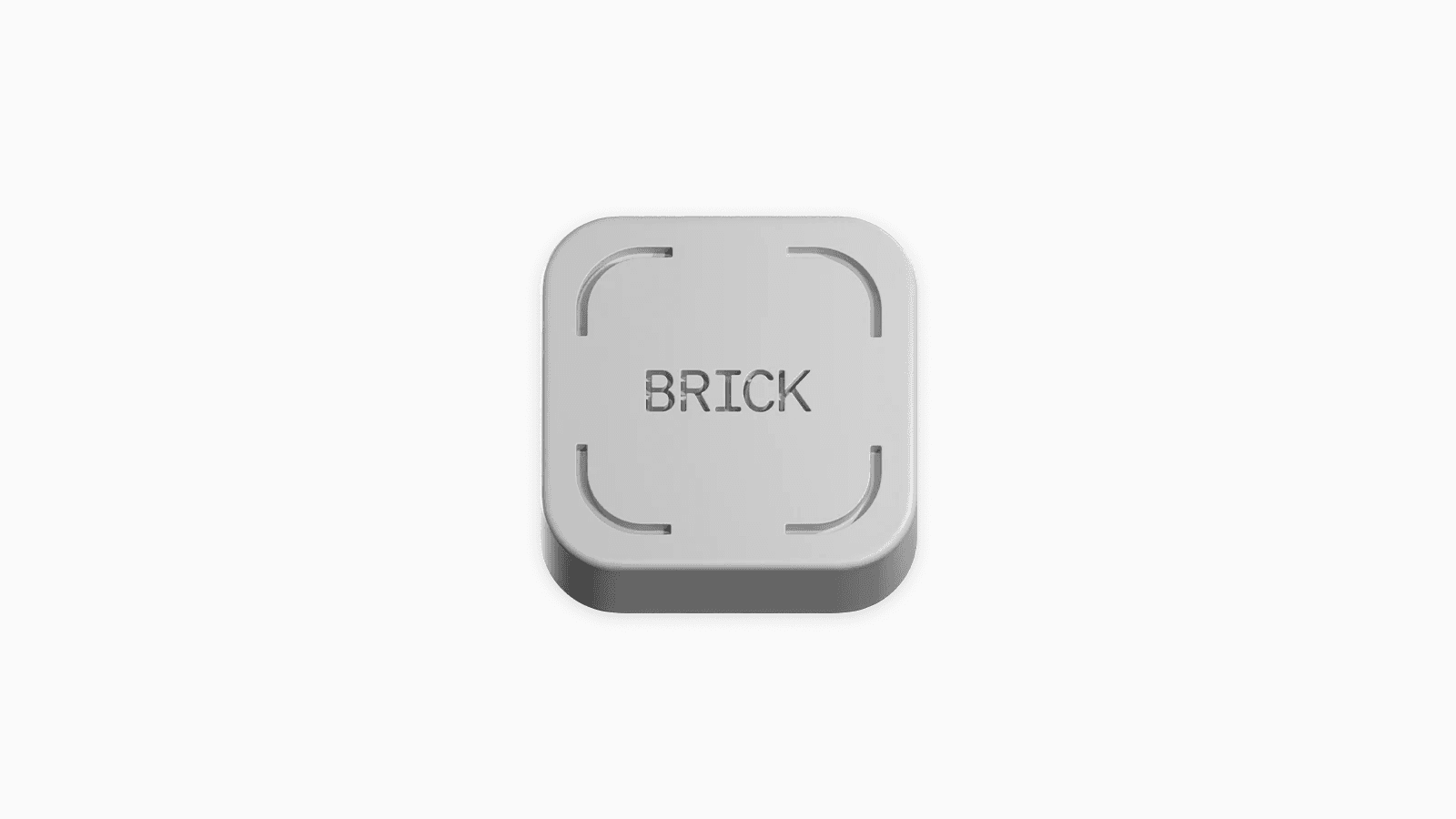
The Brick is a physical product that helps you block distractions on your phone.
You pay about US$60 for the product upfront, and you can use their mobile app without any extra fees or subscriptions.
Unboxing and Setup
The first thing I noticed about the Brick device is that it is bulkier than I expected.
However, this is not a concern since I don’t plan to carry it around.
I have personally attached the Brick to my fridge , thanks to the magnet on the back.
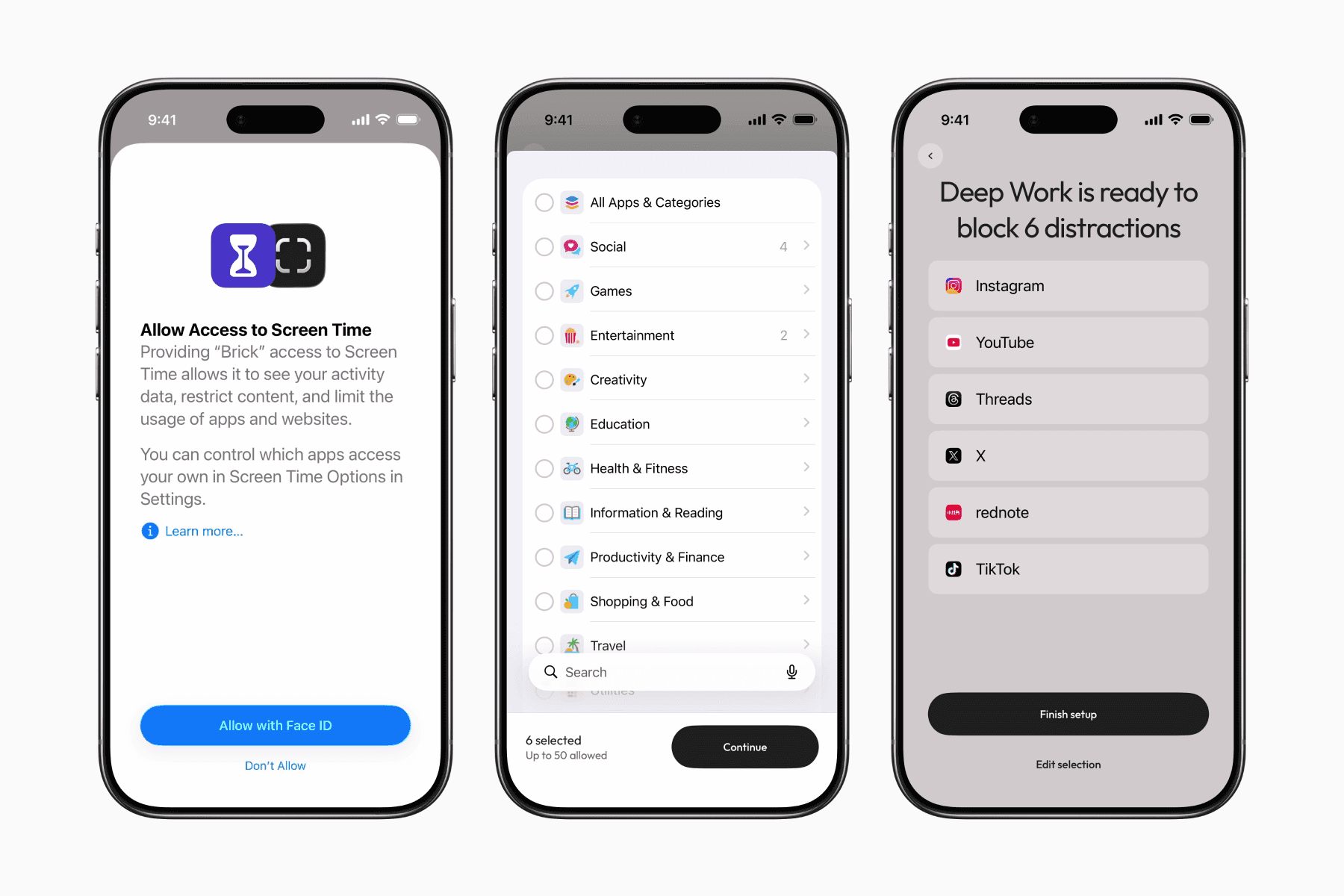
Like most app blockers, you first select the apps you want to block.
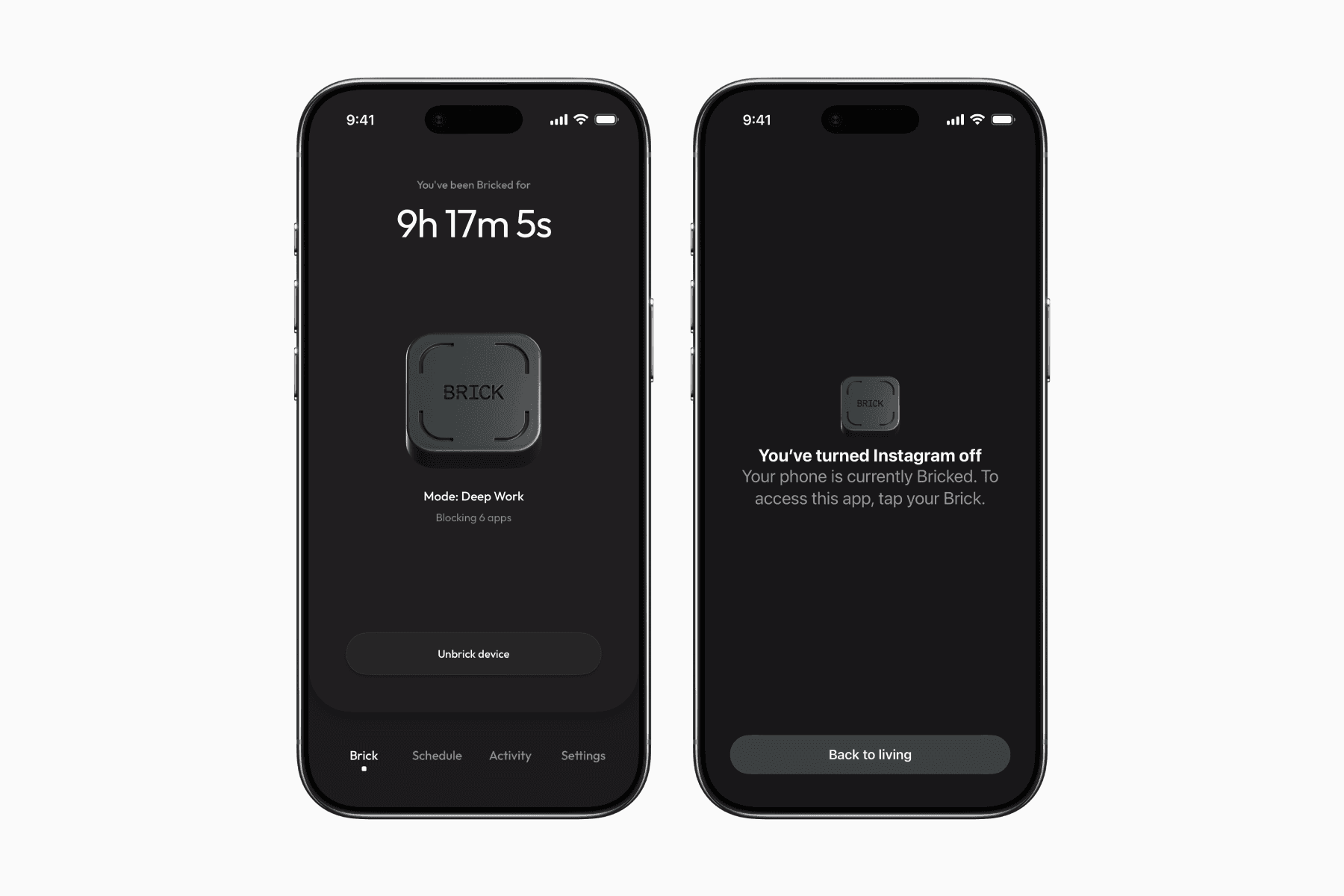
However, instead of simply having a button to block or unblock, you must tap on your Brick to do so.
Real World Friction
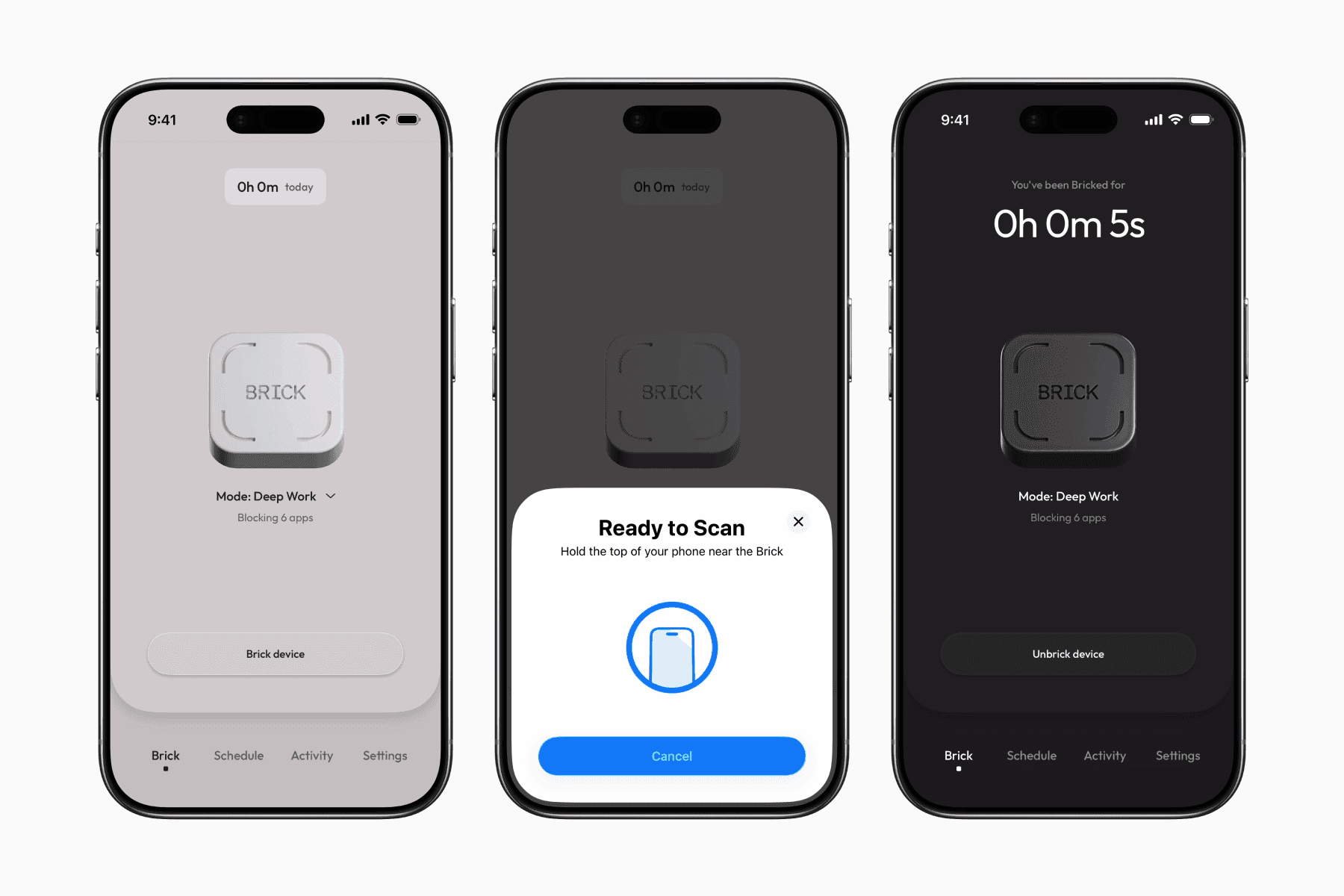
Before using the product firsthand, I understood that it adds an extra layer of friction, but I was pleasantly surprised by the extent of this friction.
Citing from my personal experience, I was doing some errands on my phone while sitting on the couch when I felt the urge to go on social media. However, the fact that I had to stand up and walk to the kitchen to tap on my Brick to unblock my social media apps made me decide against it.
I can also see how this can be helpful for those who want to avoid using their phones on the bed right after waking up.
Prior to owning the Brick, using a regular app blocker felt like the unblocking was just a click away, which meant the responsibility was solely on me not to press it.
With the Brick, perhaps because it’s a tangible object, it feels as though I’ve delegated the power to overcome distractions to something external rather than solely relying on my willpower.
My best guess at understanding why it works is that the physical nature of Brick shifts my focus back to the real world.
In other words, my rational mind takes over after being immersed in the virtual world, where my brain likely operates mostly on autopilot.
Keeping It Going
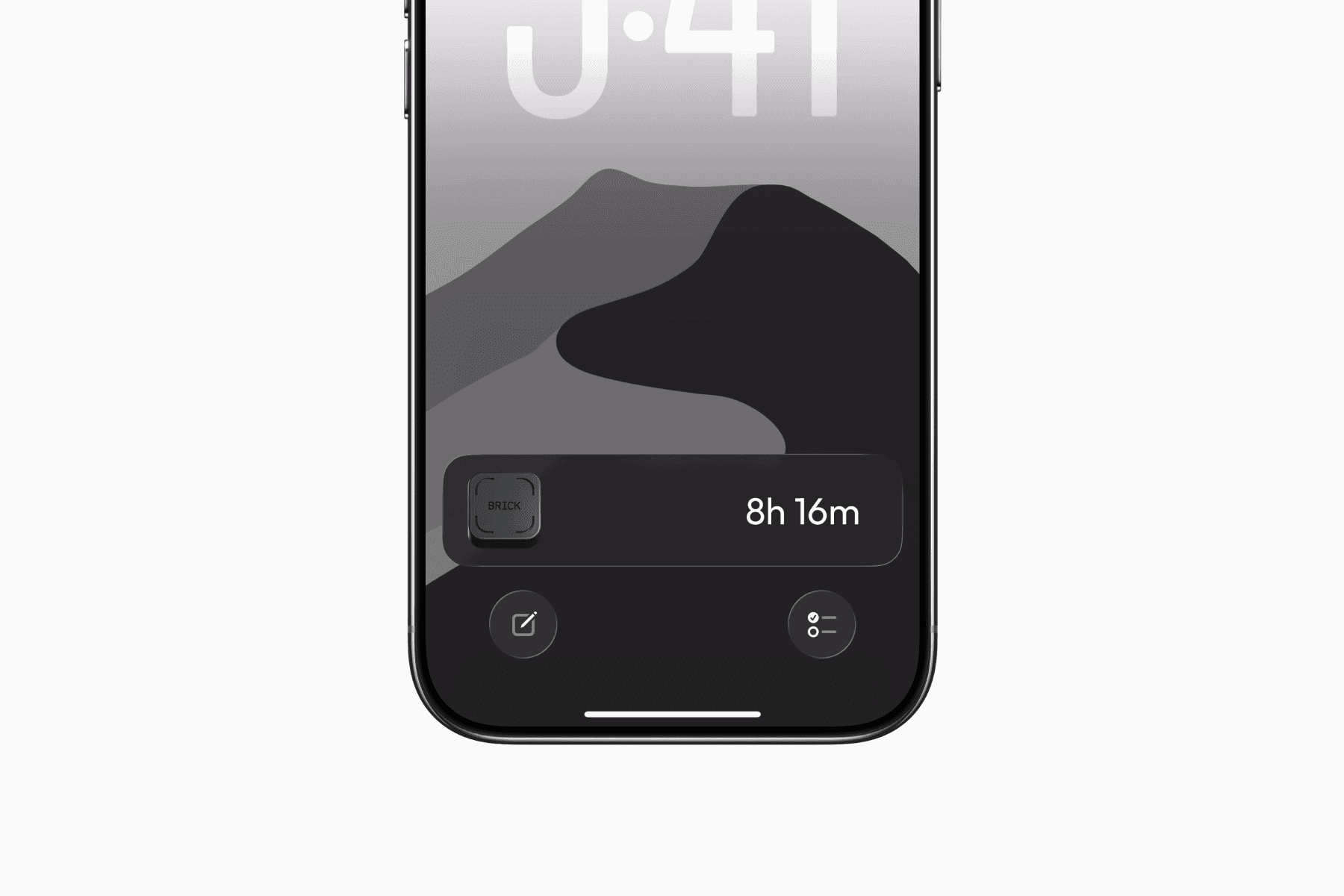
A surprisingly neat feature is that when you start “bricking” your device, it starts a Live Activity on iPhones.
This lets me always see how long I’ve been “bricked” for on my Dynamic Island and lock screen.
For me, this adds a psychological benefit, motivating me to prolong the process and occasionally even the urge to attempt to break a record for the longest blocked hours.
Leaving It Behind
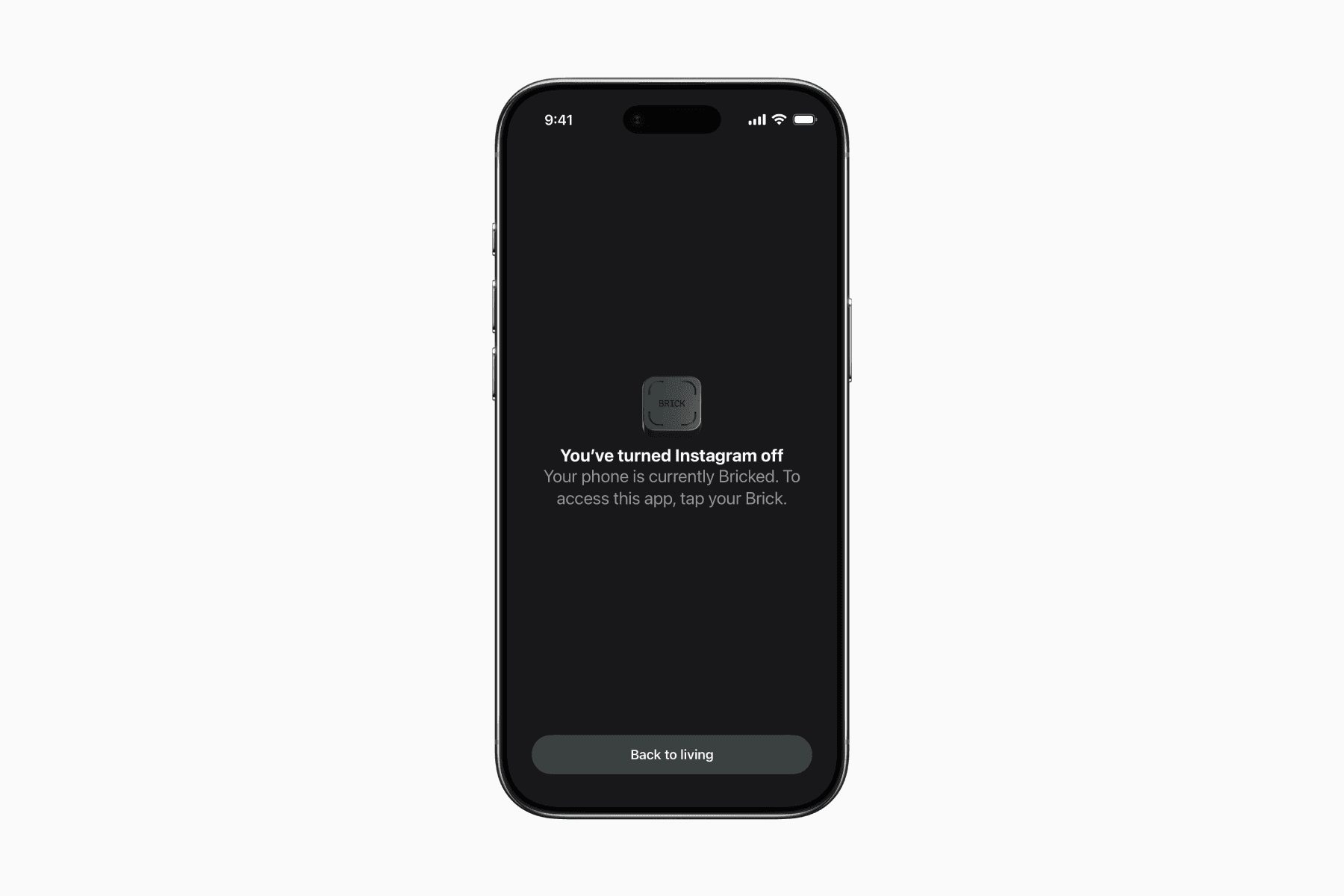
Another firsthand experience is how when I leave my Brick at home when I go to work outside, I honestly start to even think less about going on social media.
The feeling is similar to leaving my phone behind where there’s no option for distraction, but in this case, I still have my phone for communication and work-related tasks.
Emergency Unbrick
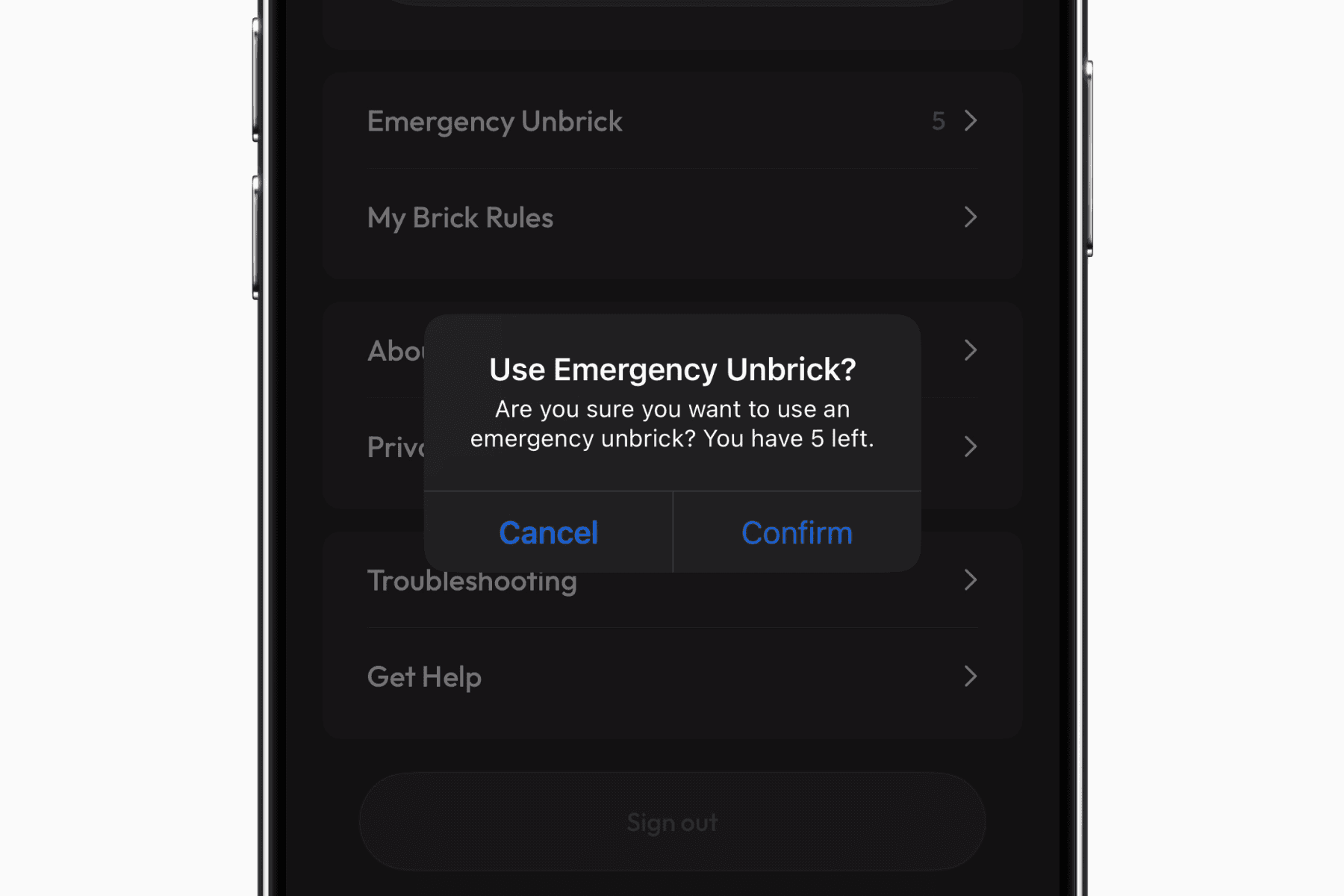
With all that said, the app does offer 5 Emergency Unbrick to unblock your apps without your Brick device.
However, the fact that it’s limited is enough to make me not even consider it an option thus far.
Final Thoughts
My first week with the Brick has been mostly positive.
I do wish the device itself were slightly more compact and felt a bit more premium, especially at this price point.
That said, considering there’s no ongoing subscription or added software fees, the upfront cost feels easier to justify over time.
A long-term review will be published at a later date.