6 Mac Menu Bar apps that do just one thing
These apps provide useful utilities without taking up your screen space.
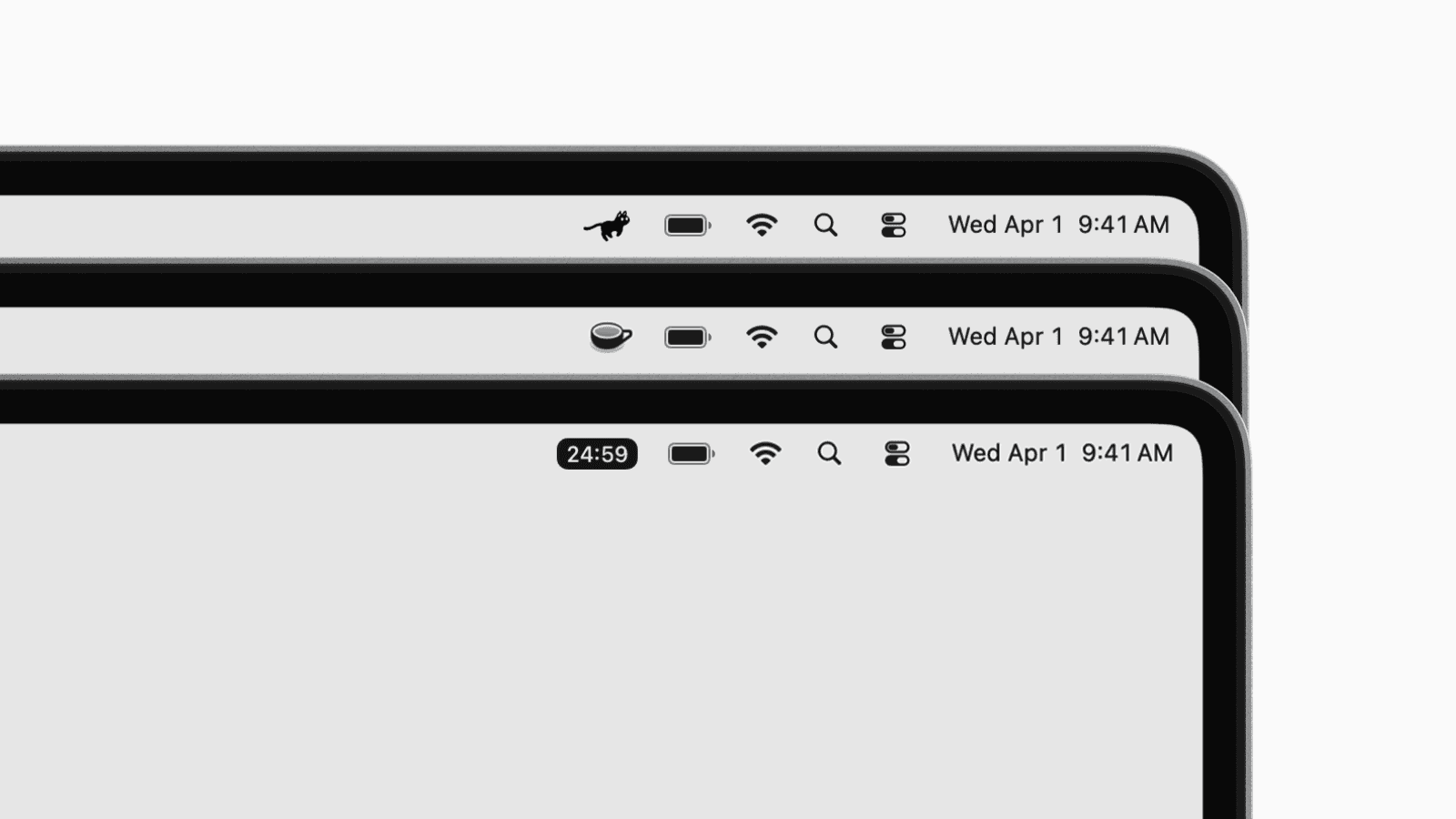
For minimalists, menu bar apps often feel like the perfect kind of software.
Most of the time, they stay quietly tucked away in your menu bar until you need them.
They provide quick access to a small utility or piece of information without cluttering your desktop.
In this article, we handpicked a few Mac menu bar apps that do just that.
1. Onigiri
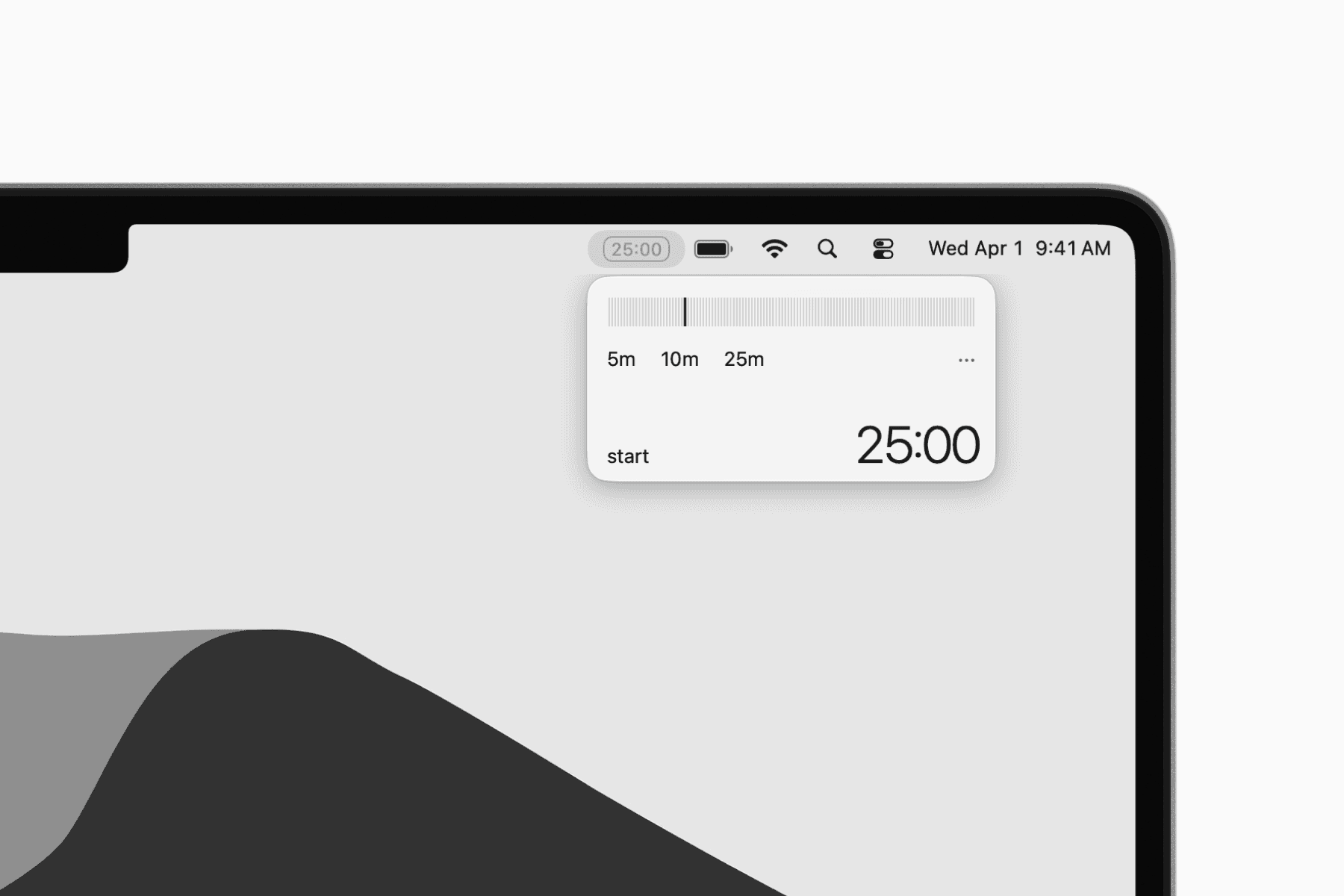
Onigiri is a minimalist Pomodoro timer that sits in your menu bar.
You have presets to easily start a timer for work session or break sessions from the menu bar then monitor your progress.
2. USB Status
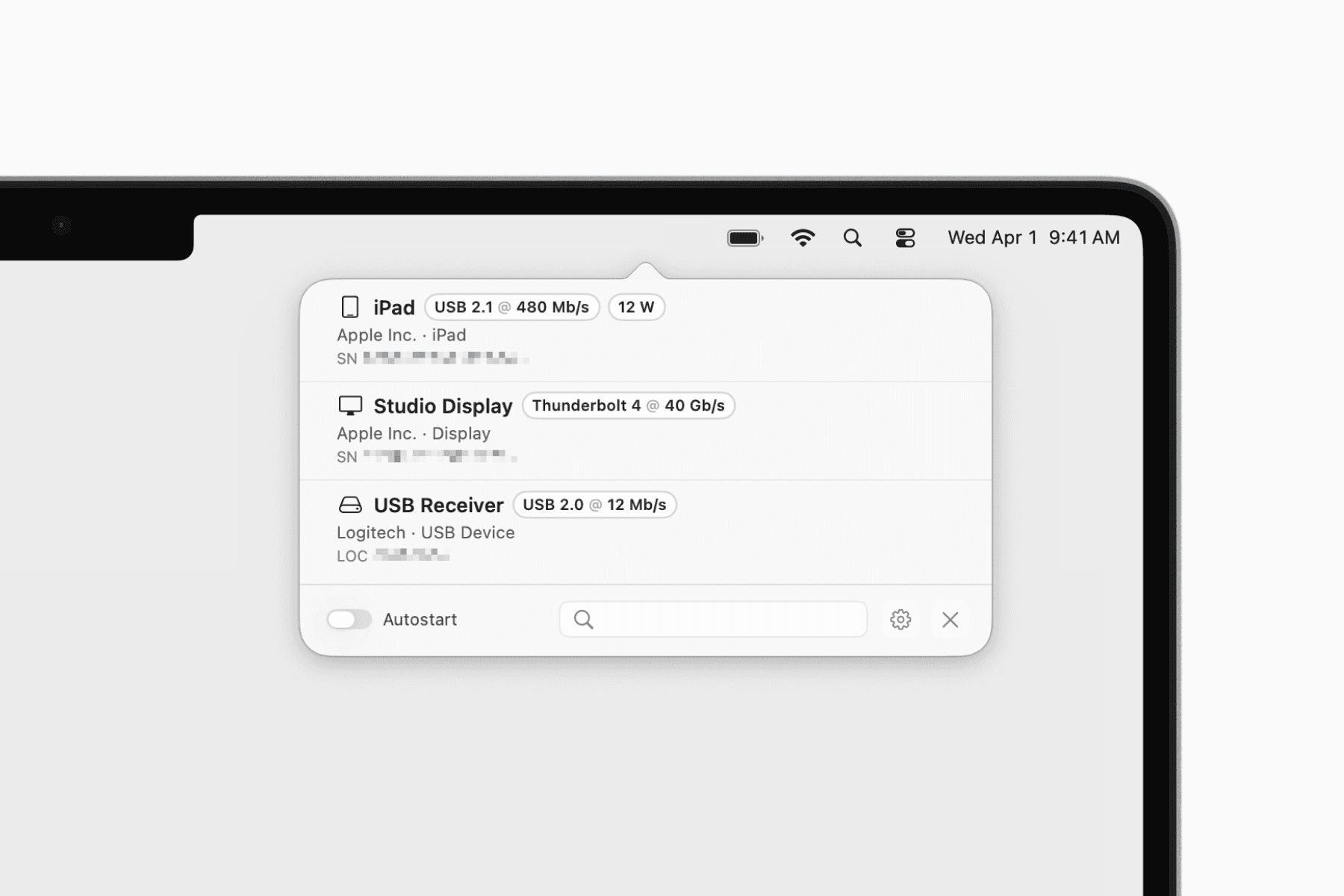
USB Status is a simple utility that shows connected USB and Thunderbolt devices directly from your menu bar.
You can quickly check connection speeds, power usage, and storage volumes without digging through System Information, where these details are scattered across different views.
Get USB Status on the App Store
Learn more on the official website
3. Theine
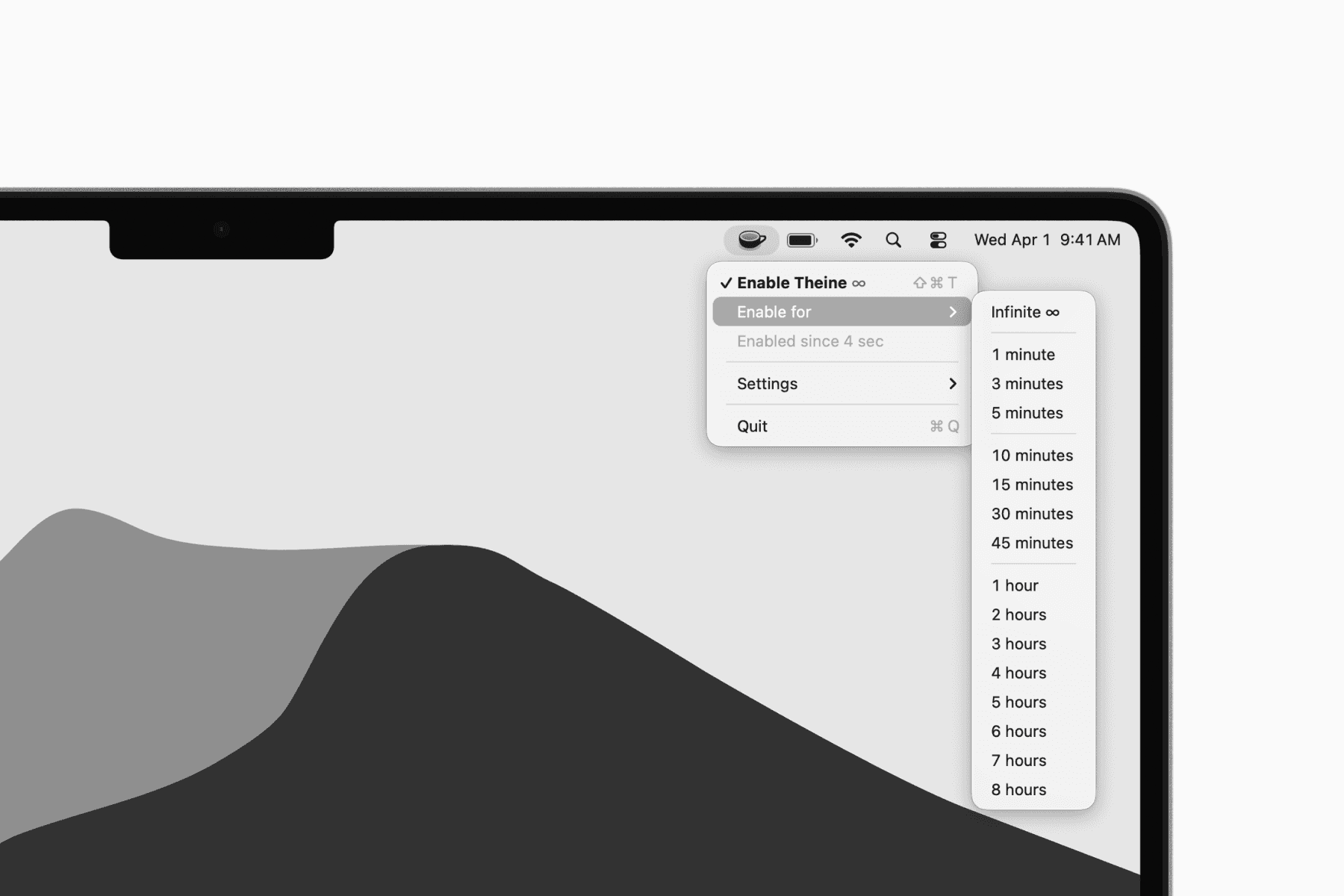
Theine is a lightweight app that keeps your Mac awake when needed.
It gives you a quick way to temporarily prevent your Mac from sleeping directly from the menu bar, whether for a set duration or indefinitely.
Learn more on the official website
4. One Thing
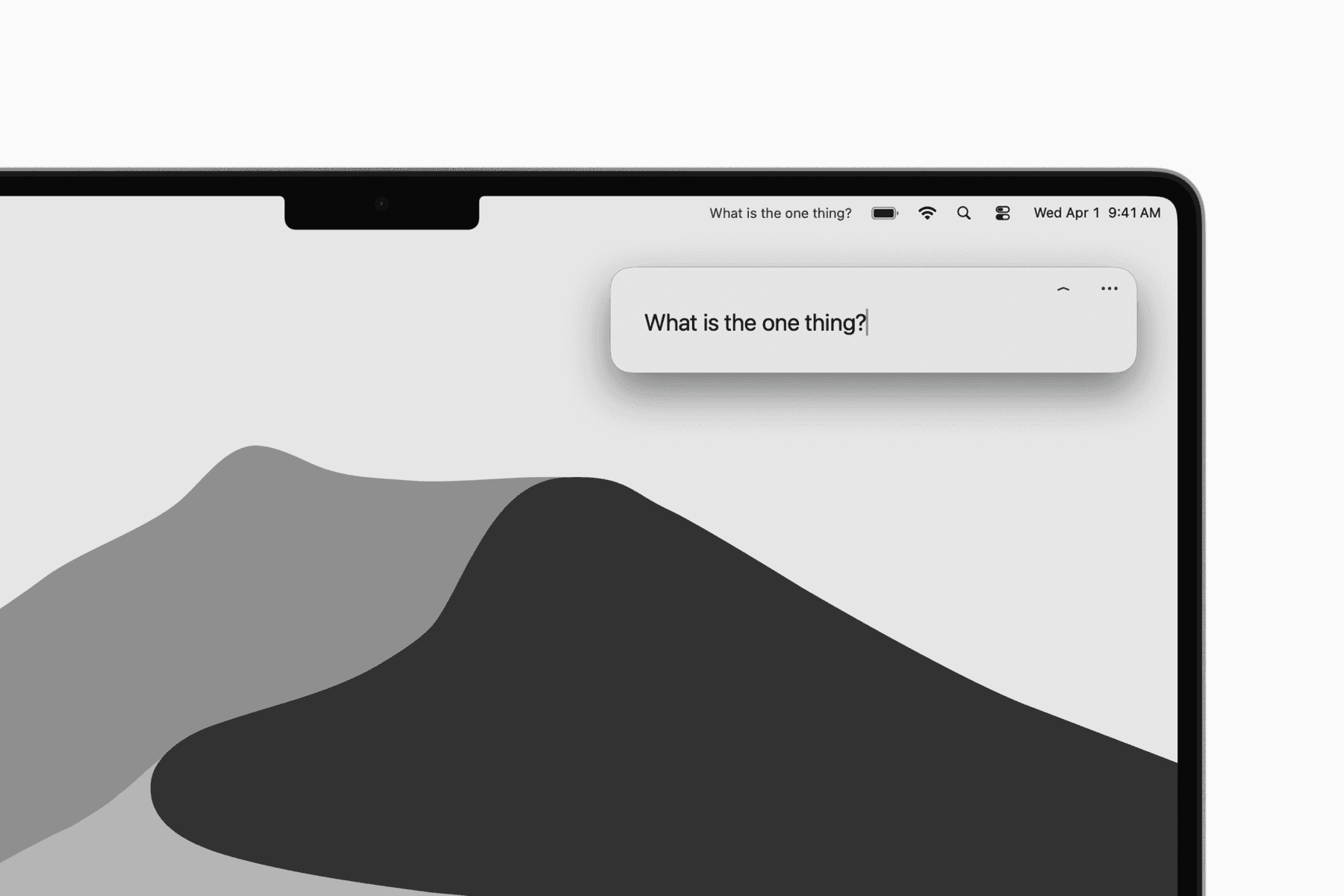
One Thing displays a single piece of text in your menu bar.
That is the entire app. You can use it to keep one important task, reminder, or intention visible throughout the day.
Get One Thing on the App Store
Learn more on the official website
5. SlashNote
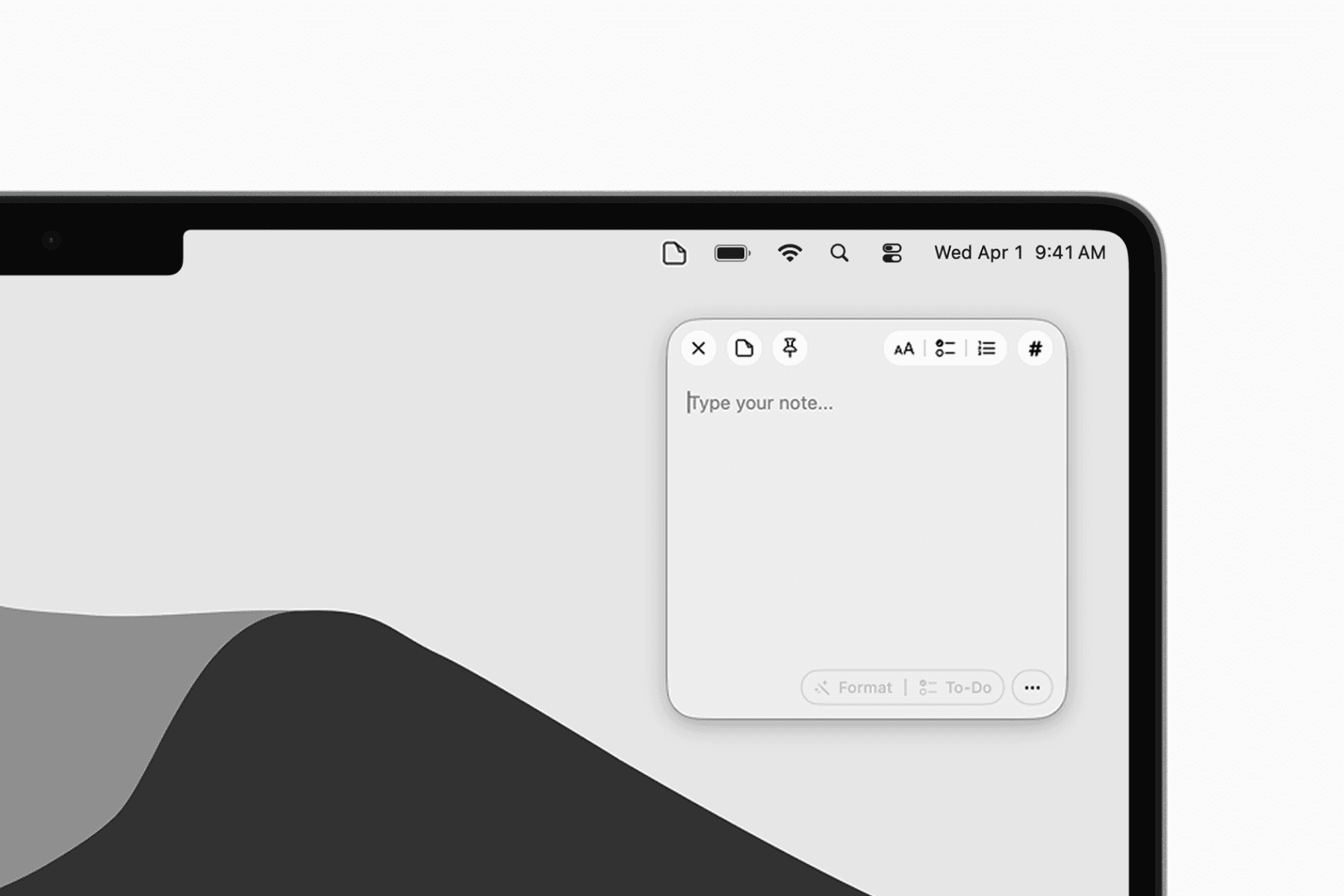
SlashNote is a modern sticky note app that lives in your menu bar.
You can quickly create a note by pulling down the menu bar icon. Despite its simplicity, the app also offers advanced features like AI formatting, voice input, and MCP server support.
Get SlashNote on the App Store
Learn more on the official website
6. RunCat
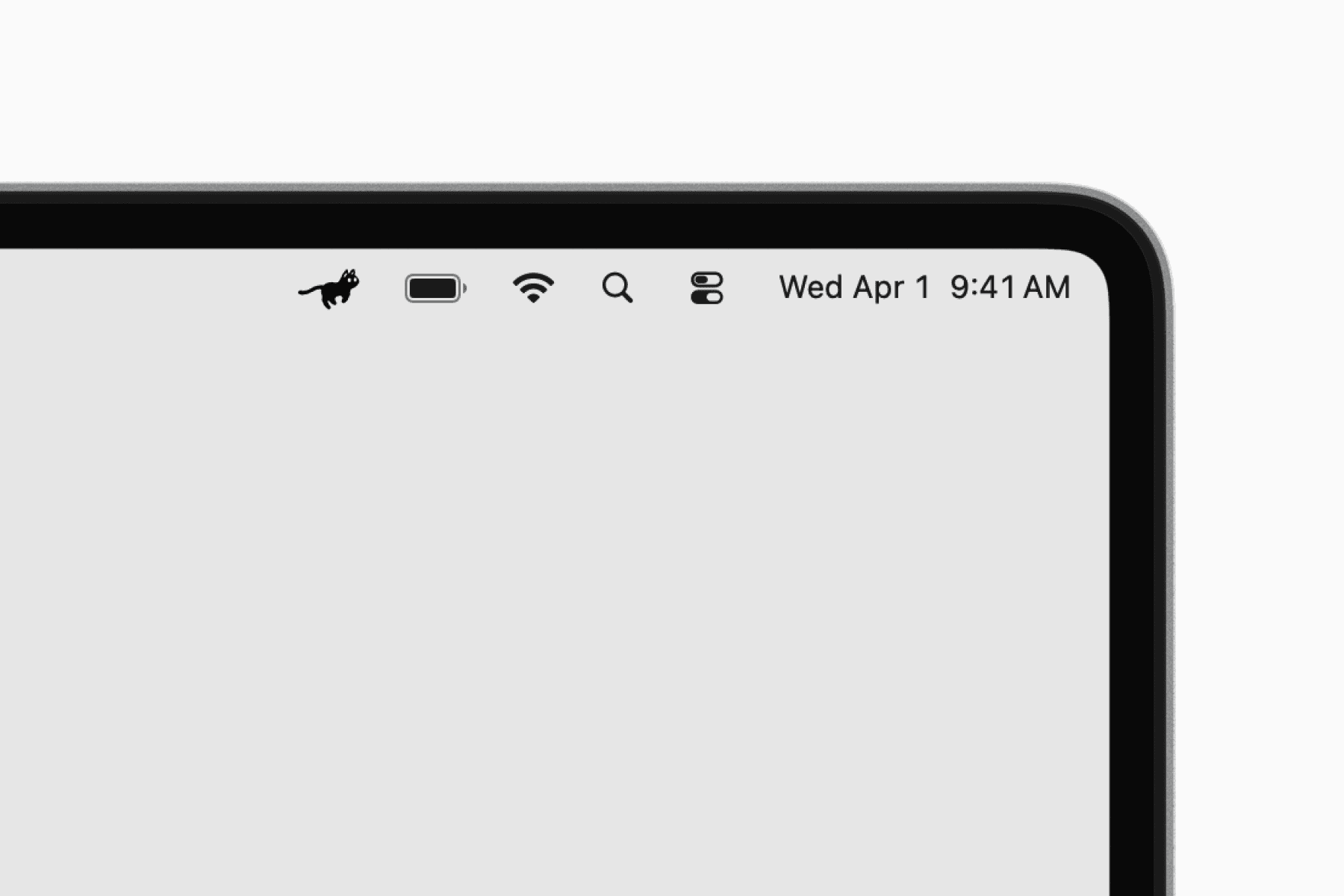
RunCat puts a tiny running cat in your menu bar.
The faster your Mac’s CPU usage, the faster the cat runs. It is mostly a fun little utility, but also a surprisingly intuitive way to notice when your Mac is under heavy load.