Mononote comes to Mac
A floating note that stays above your apps and syncs with your iPhone.

A few weeks ago, we introduced Mononote for iPhone and iPad.
It's a simple notes app designed to help you remember that one thing, whether it's a to-do, reminder, or motivational note.
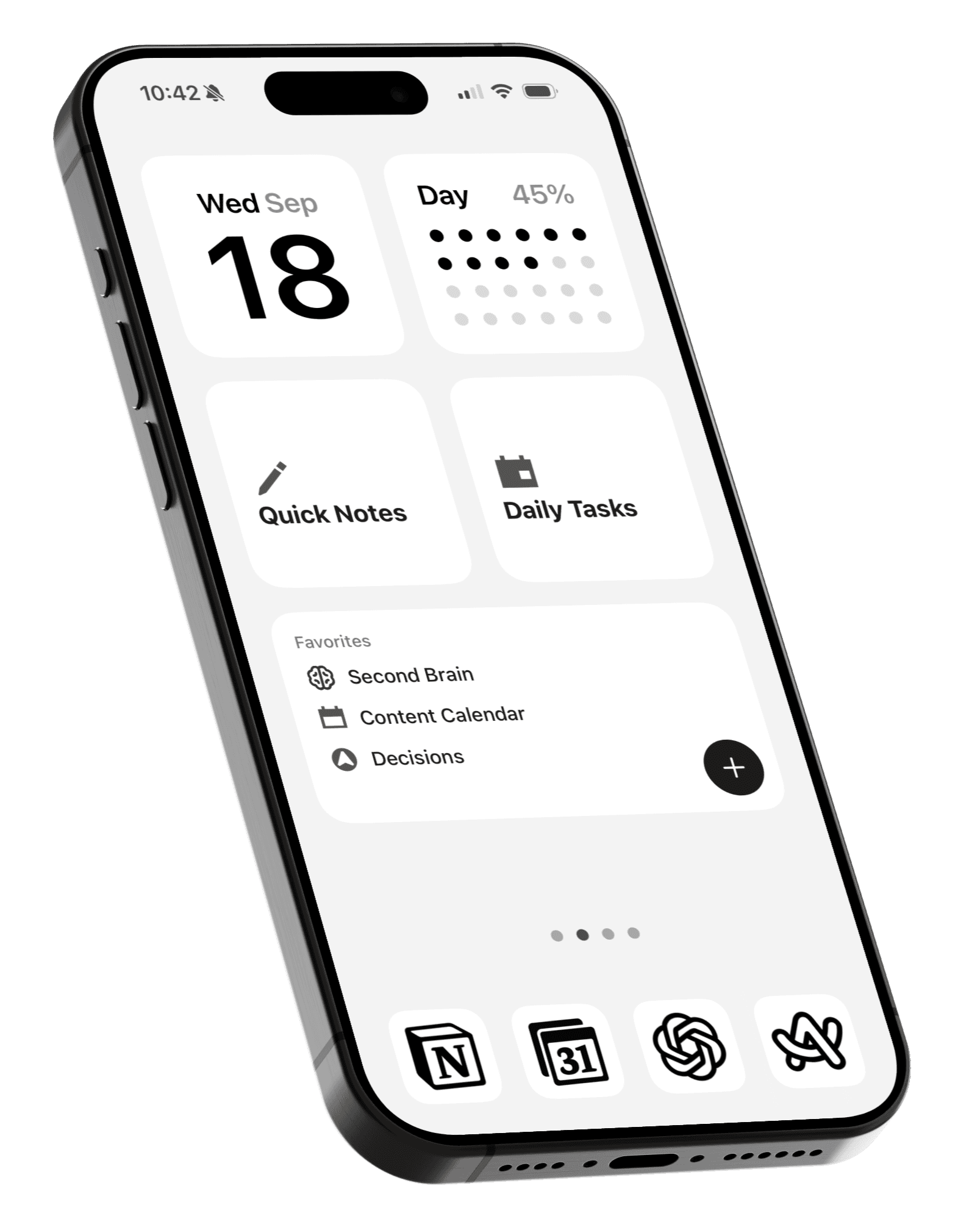
On iPhone and iPad, you can keep your note visible on the Home Screen with a widget, or start a Live Activity to put it on your Lock Screen and Dynamic Island.
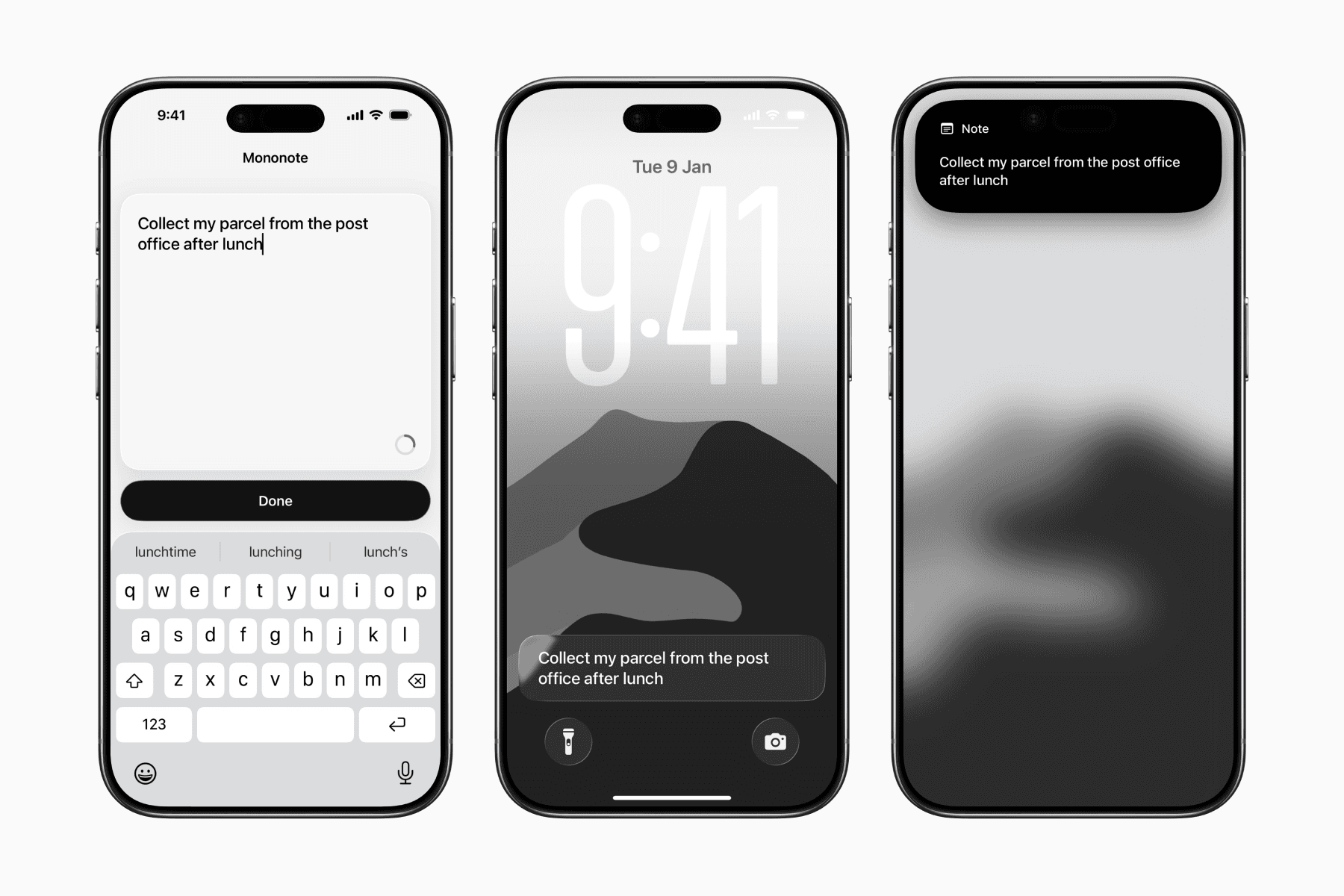
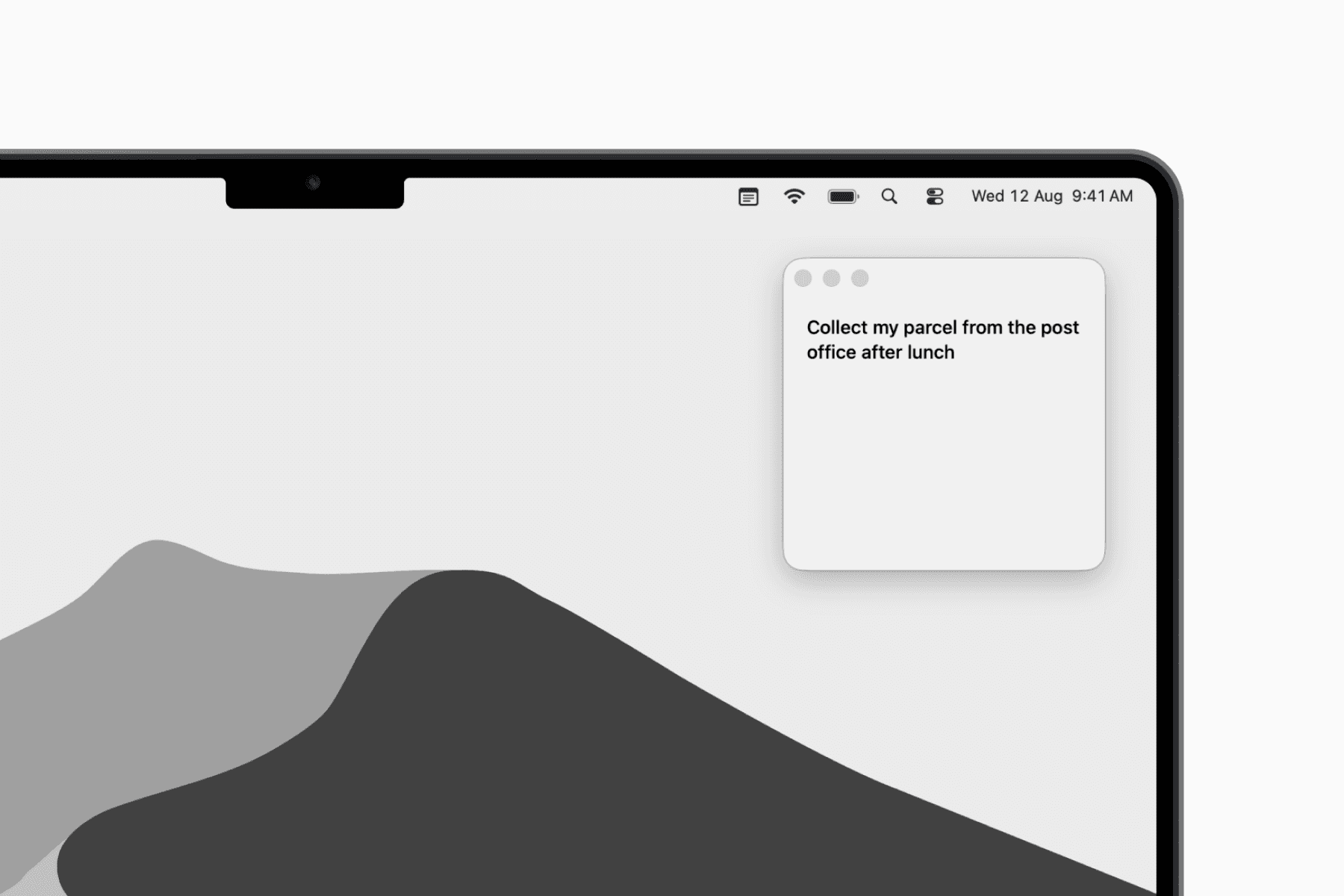
Today, Mononote comes to Mac with the same purpose in mind, but designed for the desktop.
Your note appears in a tiny floating window that stays above your other apps, like a digital sticky note.

It can even remain visible when you're using another app in full screen, though you can turn this off if you prefer an uninterrupted full screen experience.
You can click the notepad icon in your menu bar to quickly hide or show your floating note.
Just like on iPhone and iPad, you still have only one current note. With iCloud sync, that note stays up to date across your Mac, iPhone, and iPad.
Now go focus on that one note.