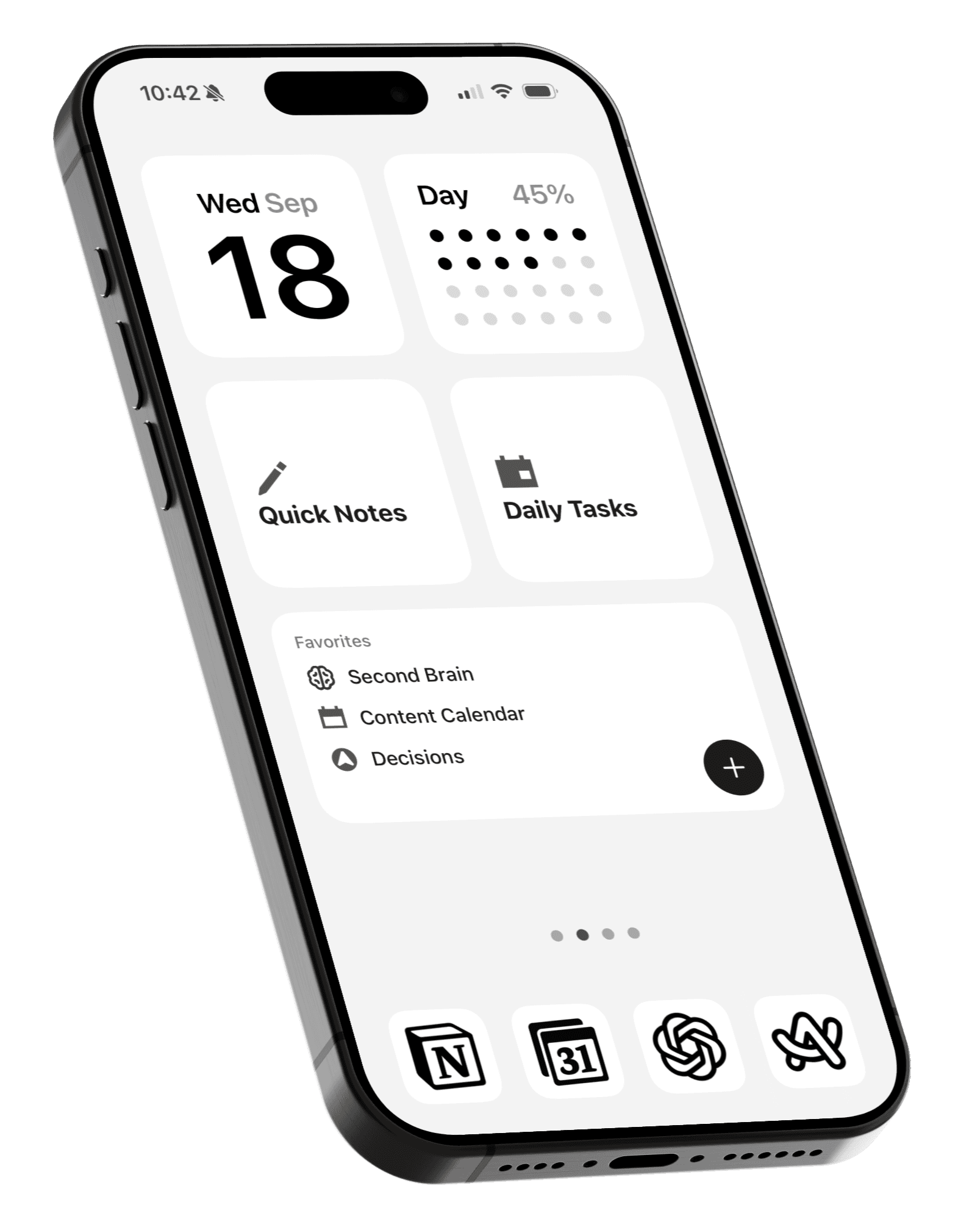
How to create a to-do list Home Screen on iPhone
Recreate the viral to-do list page with Apple Reminders and Weeklist.
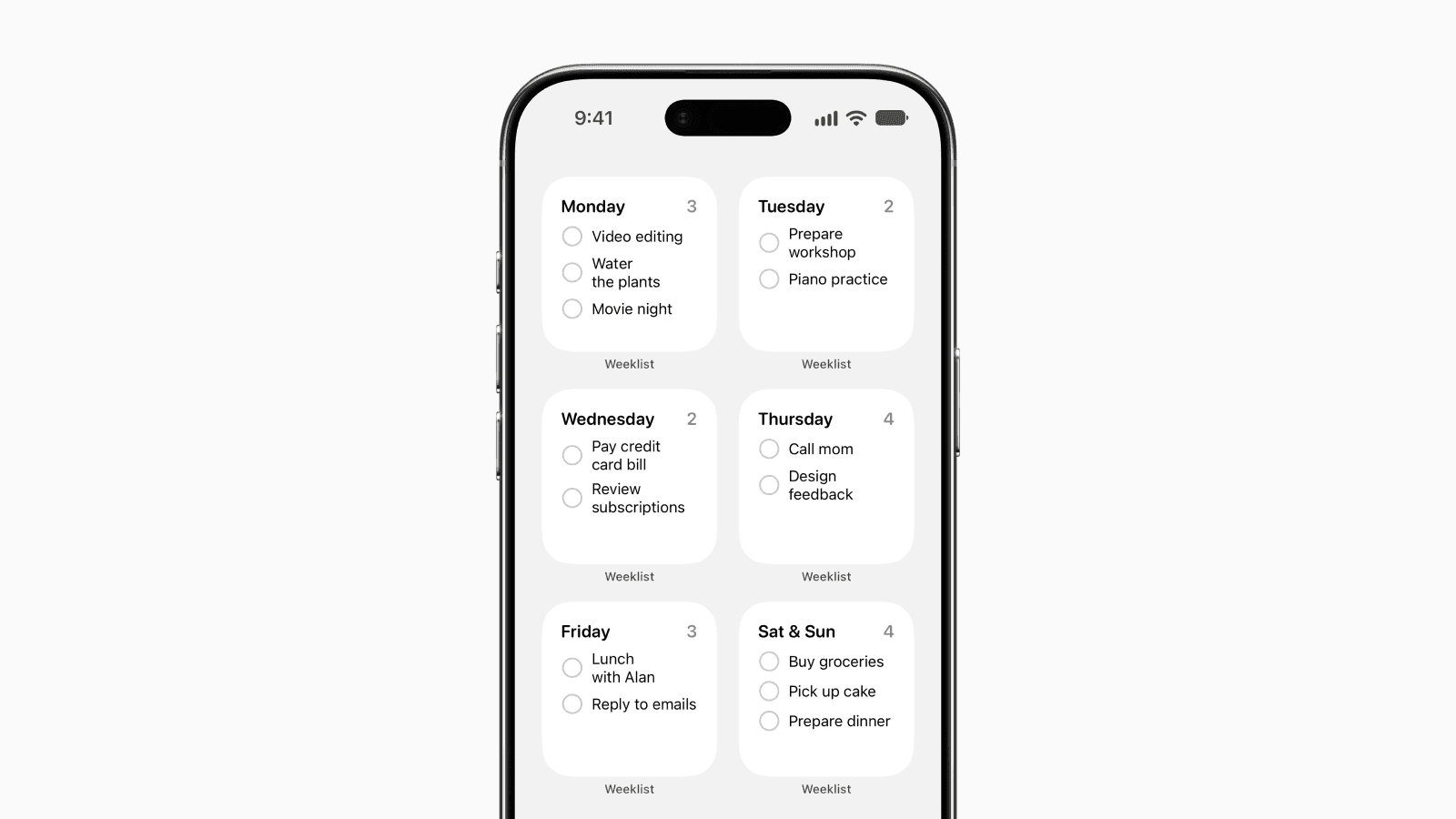
You might have seen the viral to-do list Home Screen where your entire week is laid out on one page.
We previously shared how to create this setup using Apple Reminders’ built-in widgets, but it required creating a separate list for each day of the week.
Now there’s an easier way.

Weeklist is a companion app for Apple Reminders that automatically organizes your tasks into a Monday to Sunday layout based on their assigned dates. Its widgets also make it easier to recreate the weekly to-do list setup on your Home Screen
1. Download Weeklist
First, download Weeklist from the App Store and give it access to Reminders.
Whether you already use Reminders or are just getting started, you can add and manage your tasks in Weeklist, with each task appearing under the right day based on its assigned date.

Add tasks directly to any day or drag and drop them between days to reschedule. Everything you add or change stays in Apple Reminders, so you can continue using Reminders as usual.
2. Add the widgets to your Home Screen
Press and hold an empty area on your Home Screen to enter edit mode, then tap Add Widget.

Search for Weeklist and add the small widget.

Tap the widget, then tap the Day field and select a day of the week, starting with Monday.

Repeat the process for the remaining days. Saturday and Sunday are combined into one widget, so you only need six widgets to fit the entire week on one Home Screen page.
You can also tap a task directly from the widget to check it off without opening the app.
Final thoughts
That’s all it takes to turn your iPhone Home Screen into a weekly to-do list.
Unlike the previous setup, there’s no need to maintain a separate Reminders list for every day. Just assign dates to your tasks and Weeklist takes care of the rest.
Now your entire week is always in view from your Home Screen.