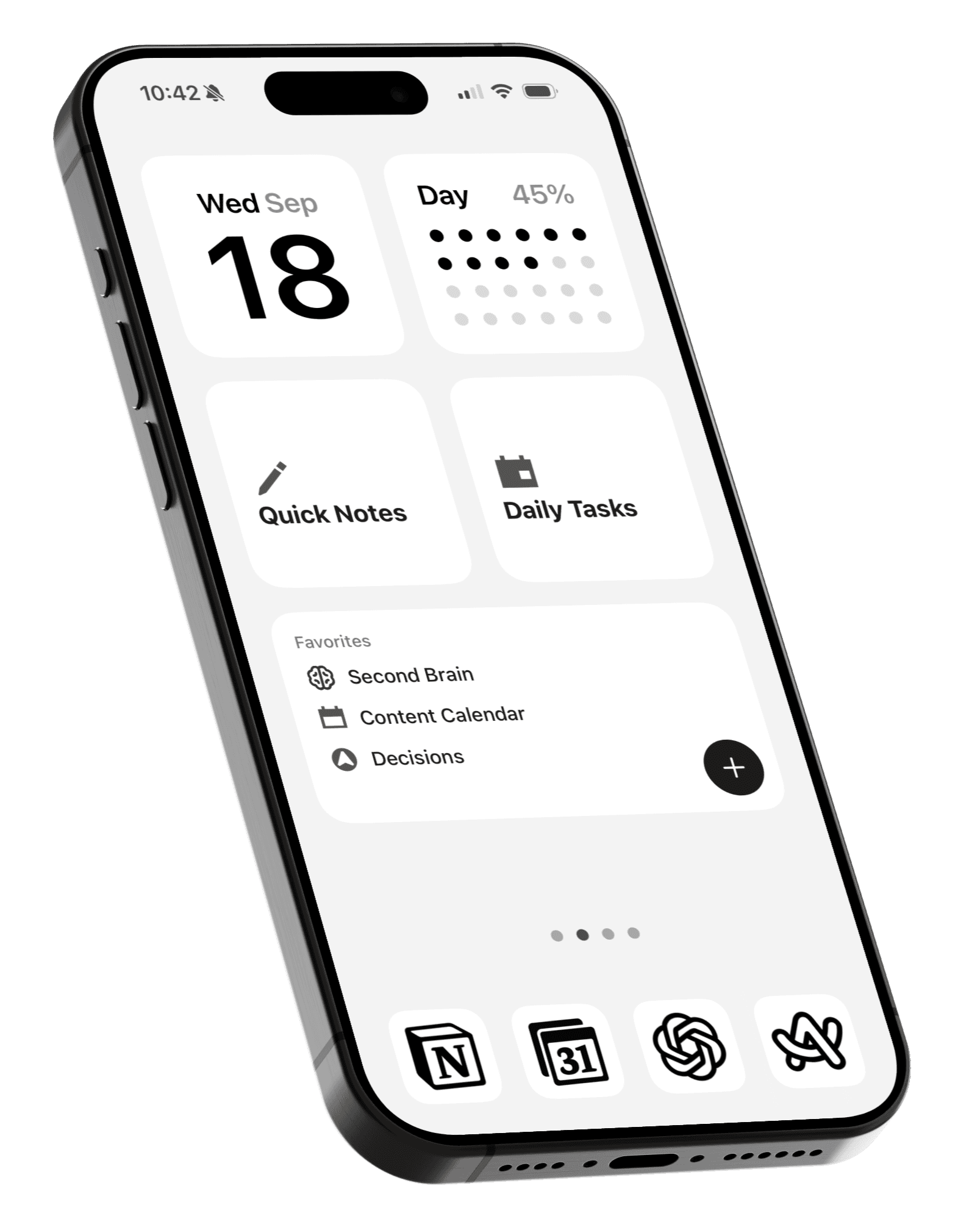
Clutter: Clear Out and Organize Your Screenshots
Declutter your iPhone photo library, one screenshot at a time.

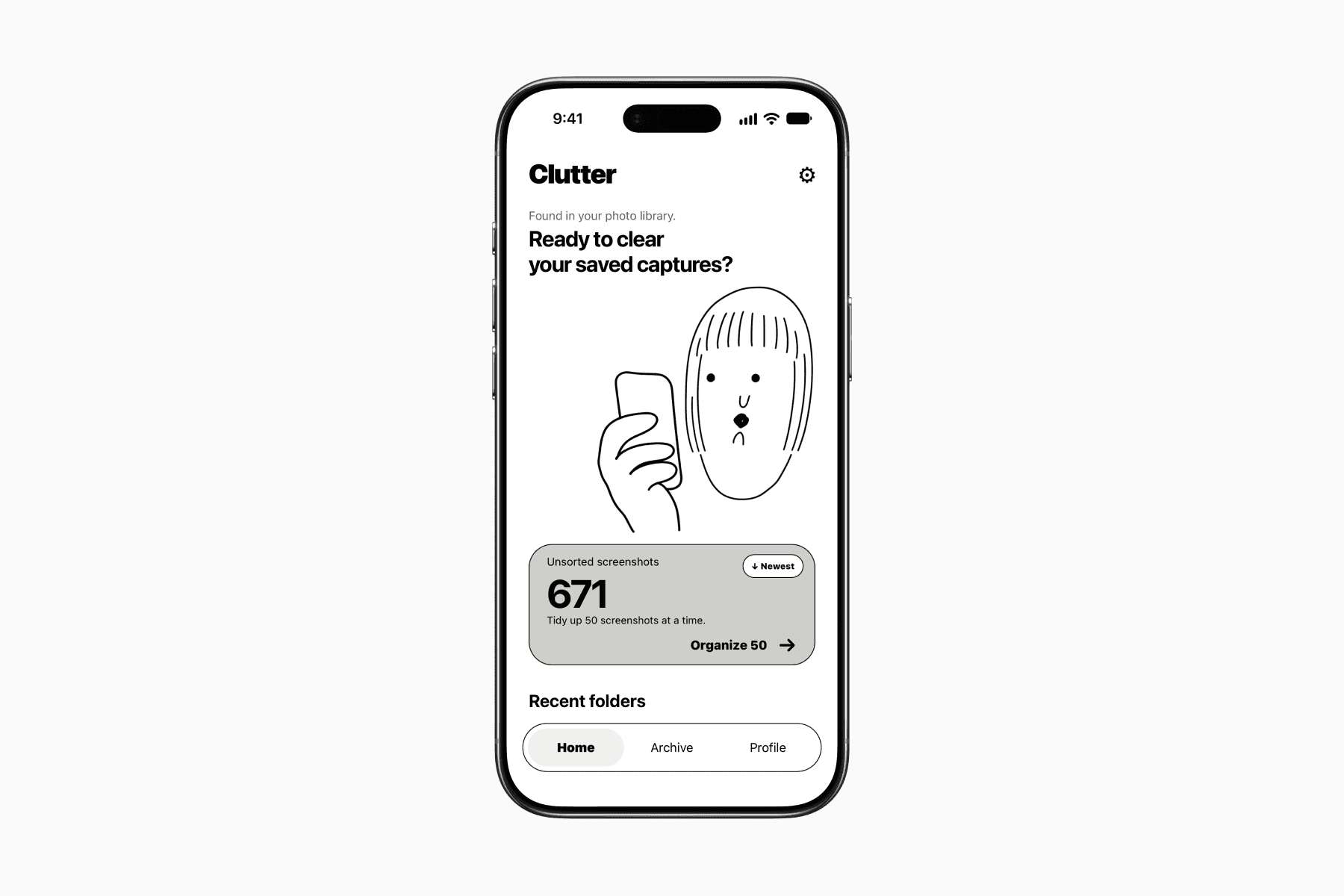
Clutter is an app for organizing your screenshots.
Once you give it access to Photos, it shows how many screenshots you have, with everything starting in the unsorted pile.
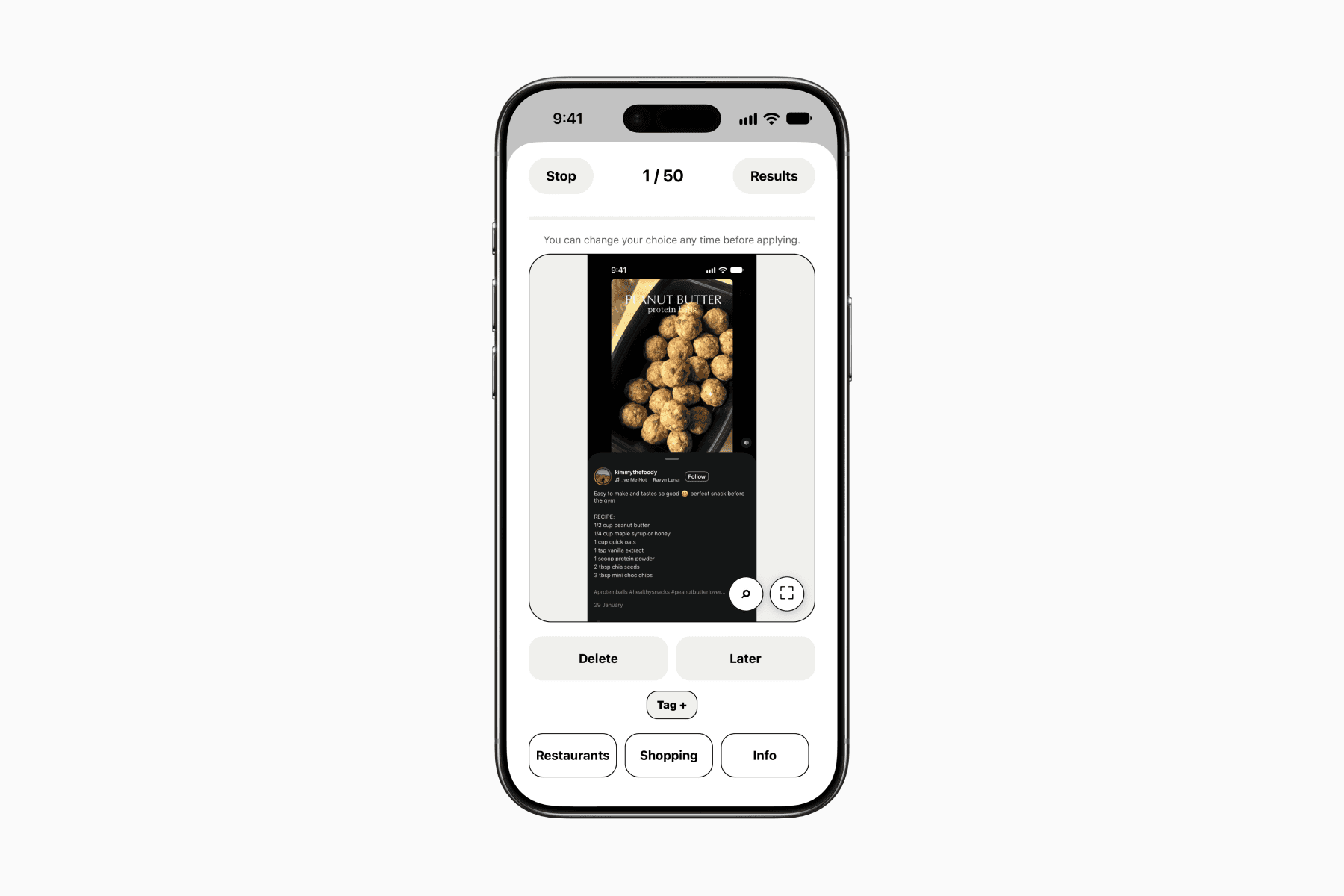
You work through your screenshots in small batches, reviewing one image at a time and deciding what to do with it.
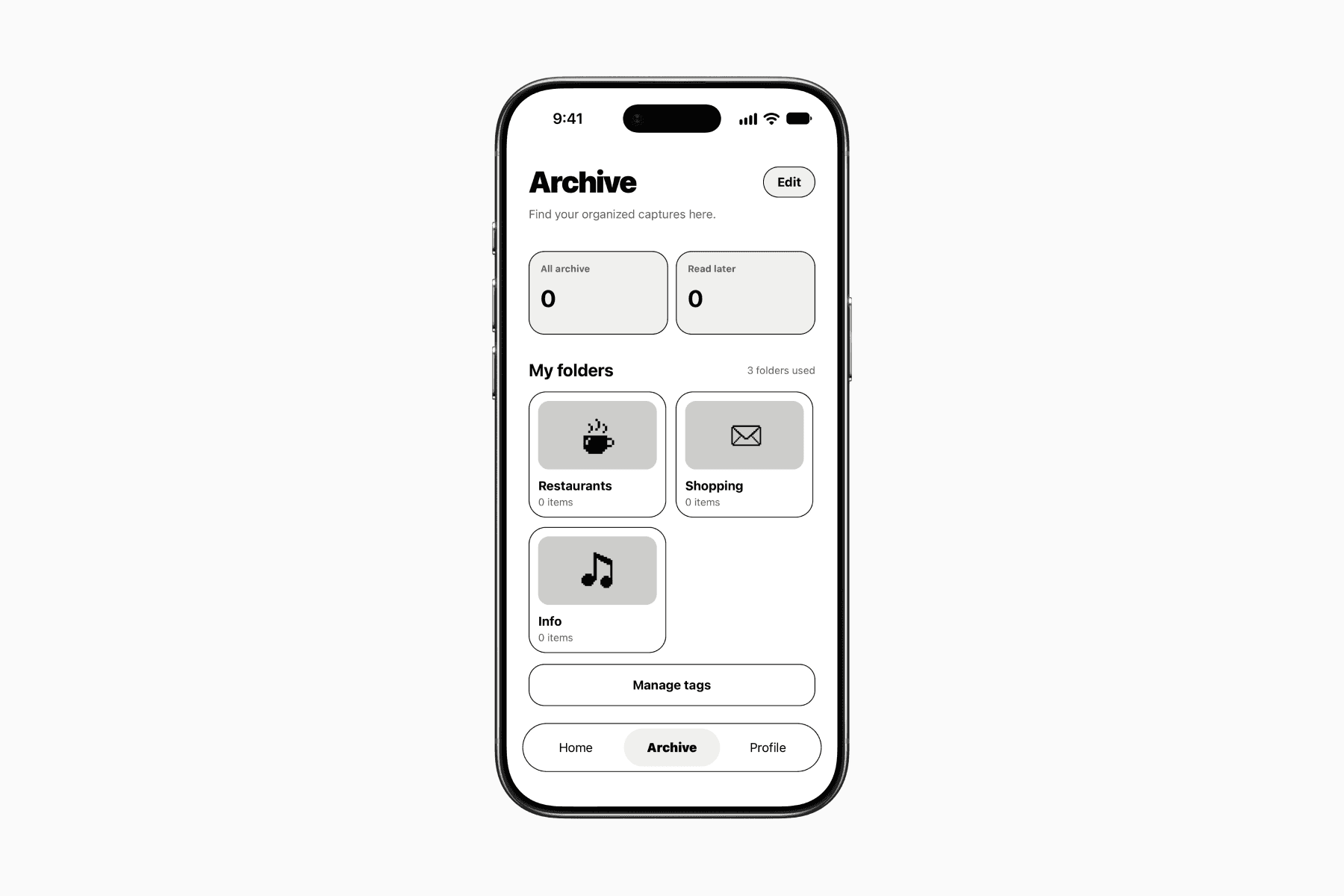
For each screenshot, you can delete it, save it for later, or organize it into folders within Clutter.
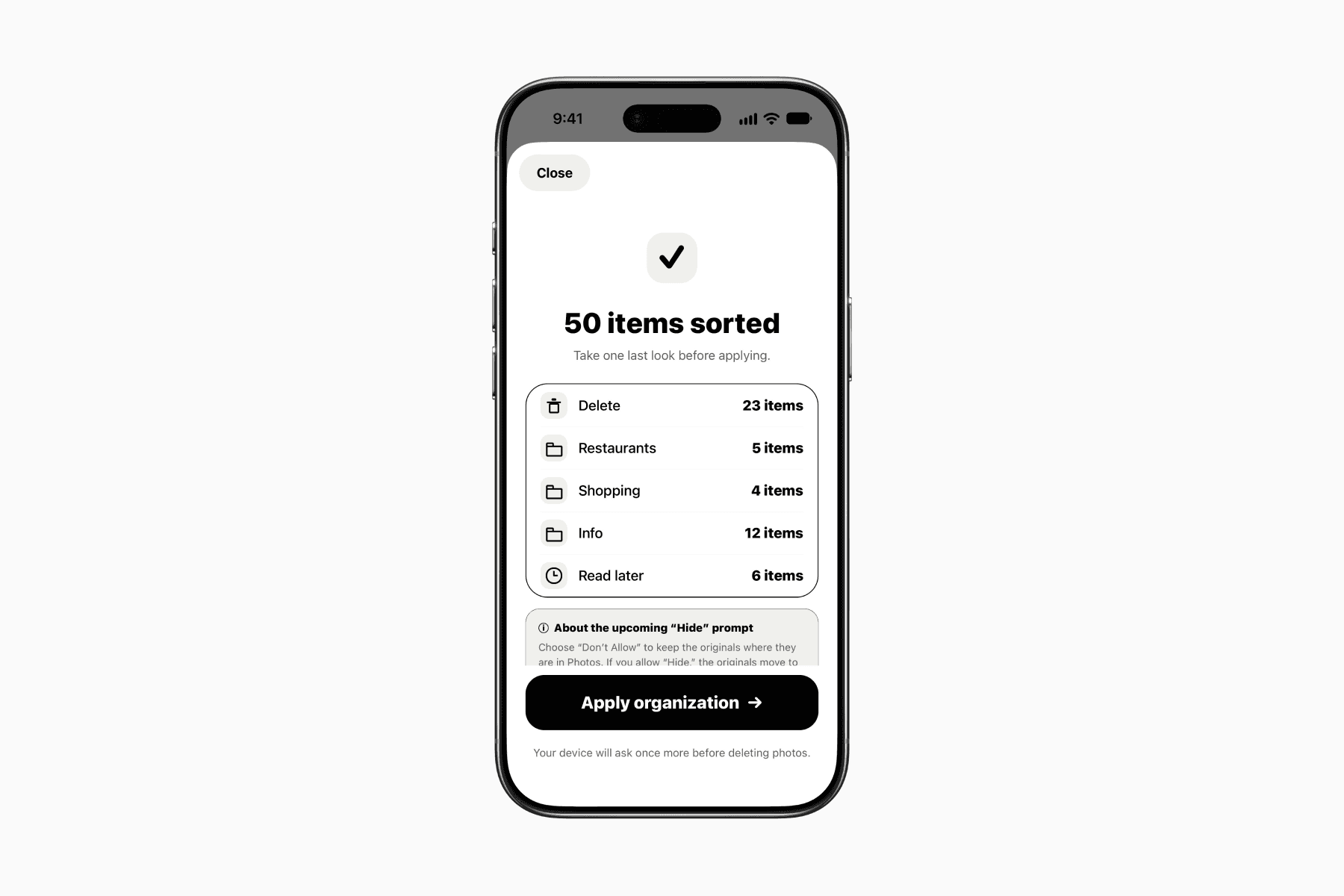
At the end of each batch, you get an overview of your decisions before confirming them.
Screenshots you chose to delete are removed from Photos, while those you kept are hidden from your photo library and remain accessible in Clutter.
This makes decluttering feel much less daunting.
Rather than trying to clear everything at once, you can work through a small batch whenever you have a few spare minutes.
Once you’ve cleared out all your screenshots, the benefits become even clearer.
Screenshots you want to keep are easier to find within organized folders in Clutter, while your Photos library is freed from screenshot clutter and becomes a better place to look back on your actual photos and memories.
The app is free to download.
It includes ads and is limited to 50 screenshots per batch and three folders.
A one-time payment of $2.99 USD unlocks the Pro plan, removing ads and these limits. You also get additional features, such as sorting, tagging, and backing up your organization to iCloud Drive.