5 Minimalist Lock Screen Widgets for iPhone
These Lock Screen widgets can save you from opening your apps.

Your Lock Screen is the first thing you see every time you pick up your phone.
The right widgets can surface what matters without having to open an app.
Here are five simple and useful Lock Screen widgets worth considering.
1. Mononote
Mononote is a minimalist notes app that lets you keep just one active note.
Use it for something you don’t want to forget, whether it’s a to-do, reminder, or short note to yourself.
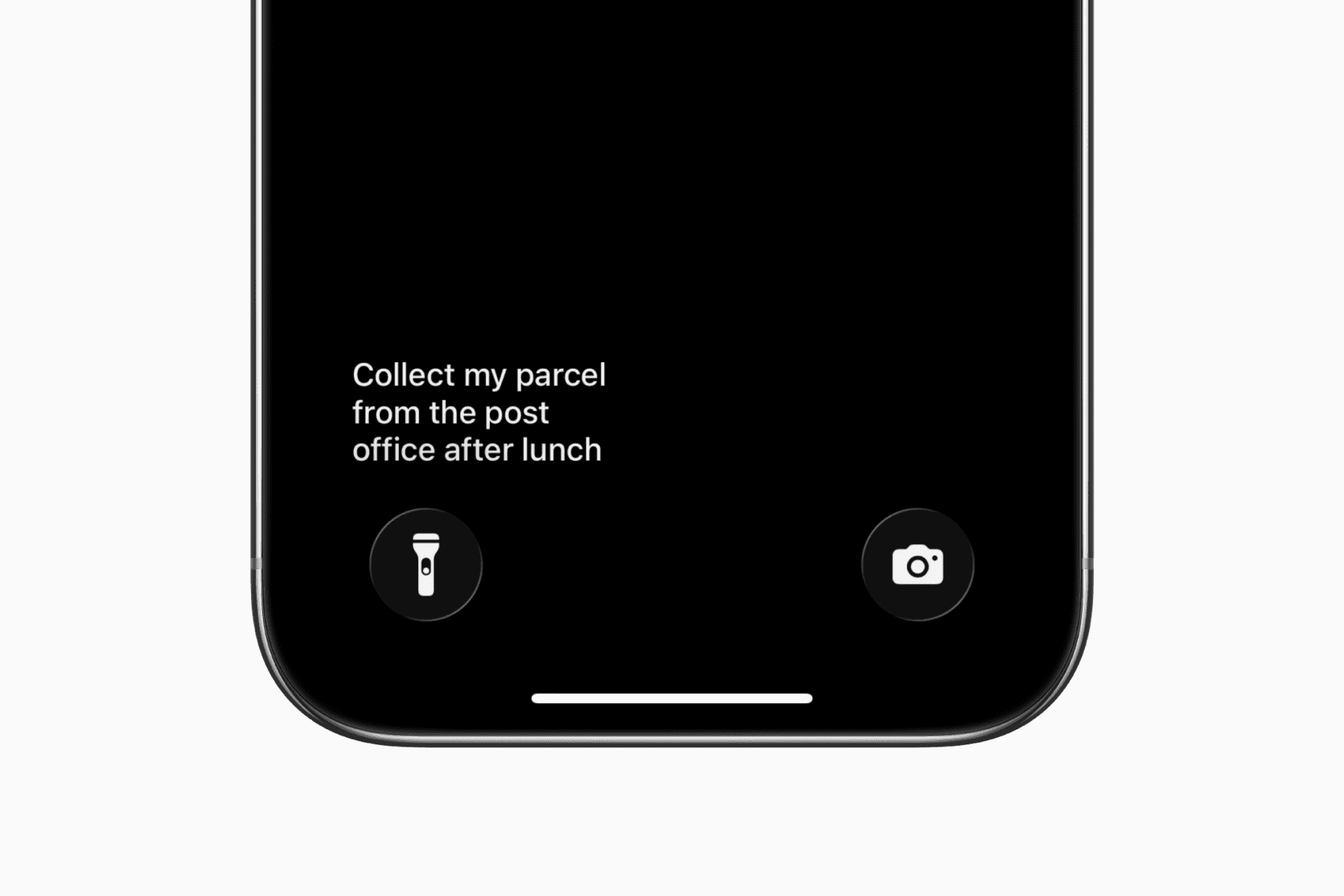
Instead of opening a notes or reminders app, your note stays visible whenever you check your Lock Screen.
2. Widgy Widgets
Widgy lets you create your own widgets or import ones made by the community.
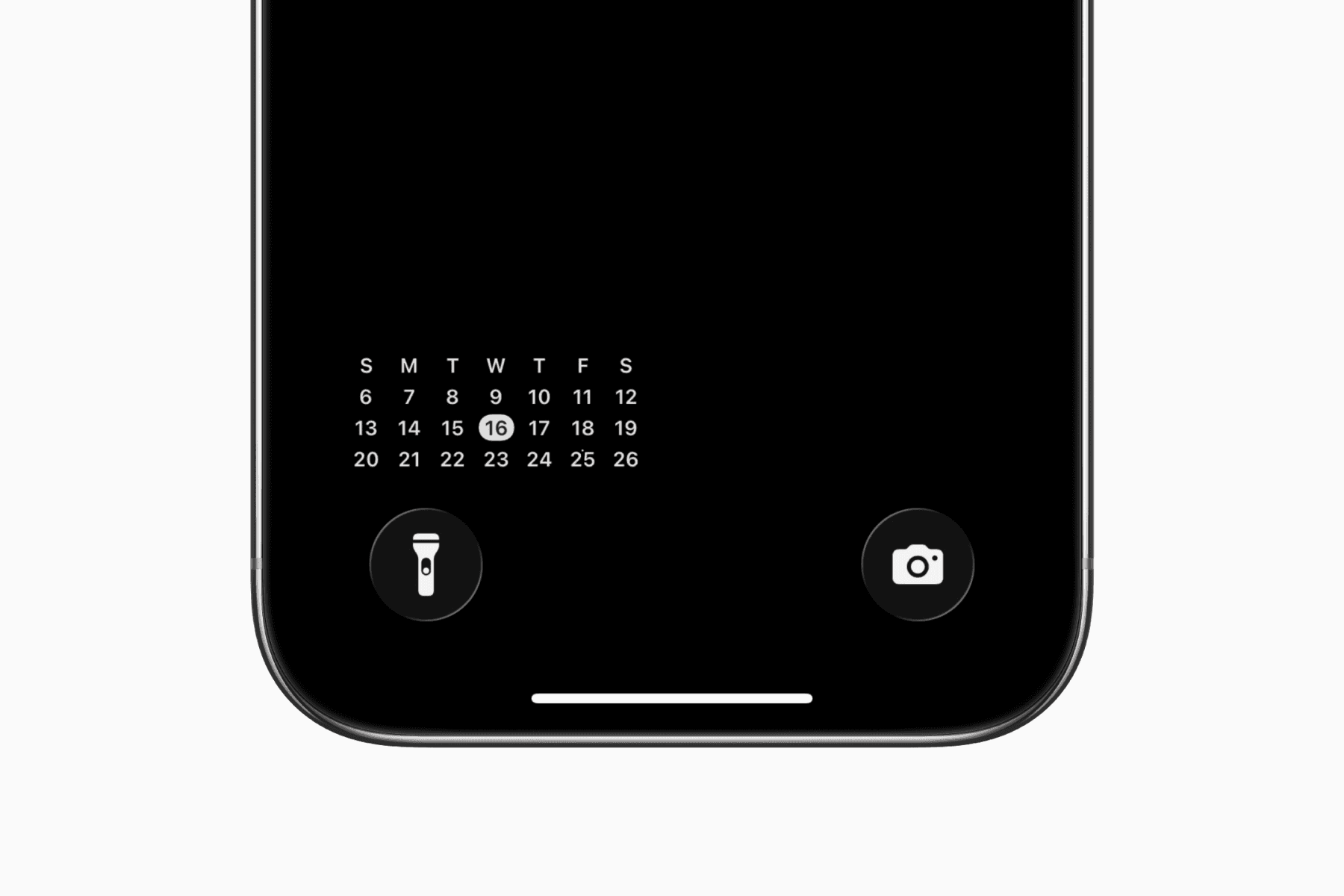
For example, you can add a monthly calendar widget to quickly check days and dates without opening your calendar app.
The main appeal is customization, whether you build a widget from scratch or start with a community-made one and make it your own.
3. Notion Calendar
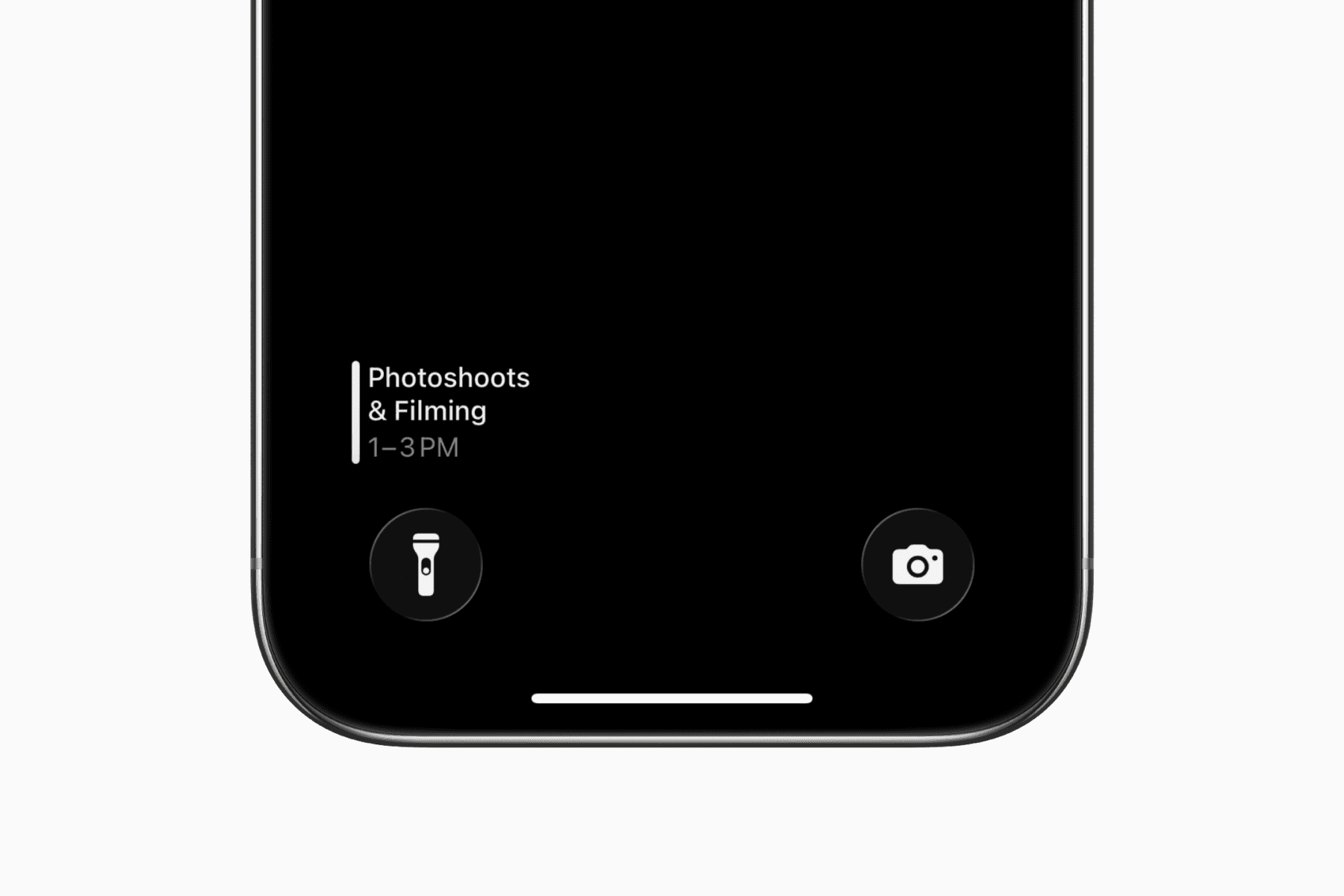
Notion Calendar has a clean Lock Screen widget for showing your next event along with its start and end times.
The app connects to Google Calendar, iCloud, and Outlook, making it a useful option if your usual calendar app doesn’t offer a similar widget.
It’s a neat way to see what’s coming up without opening your calendar app.
4. One Sec
One Sec helps you become more aware of how often you open distracting apps.
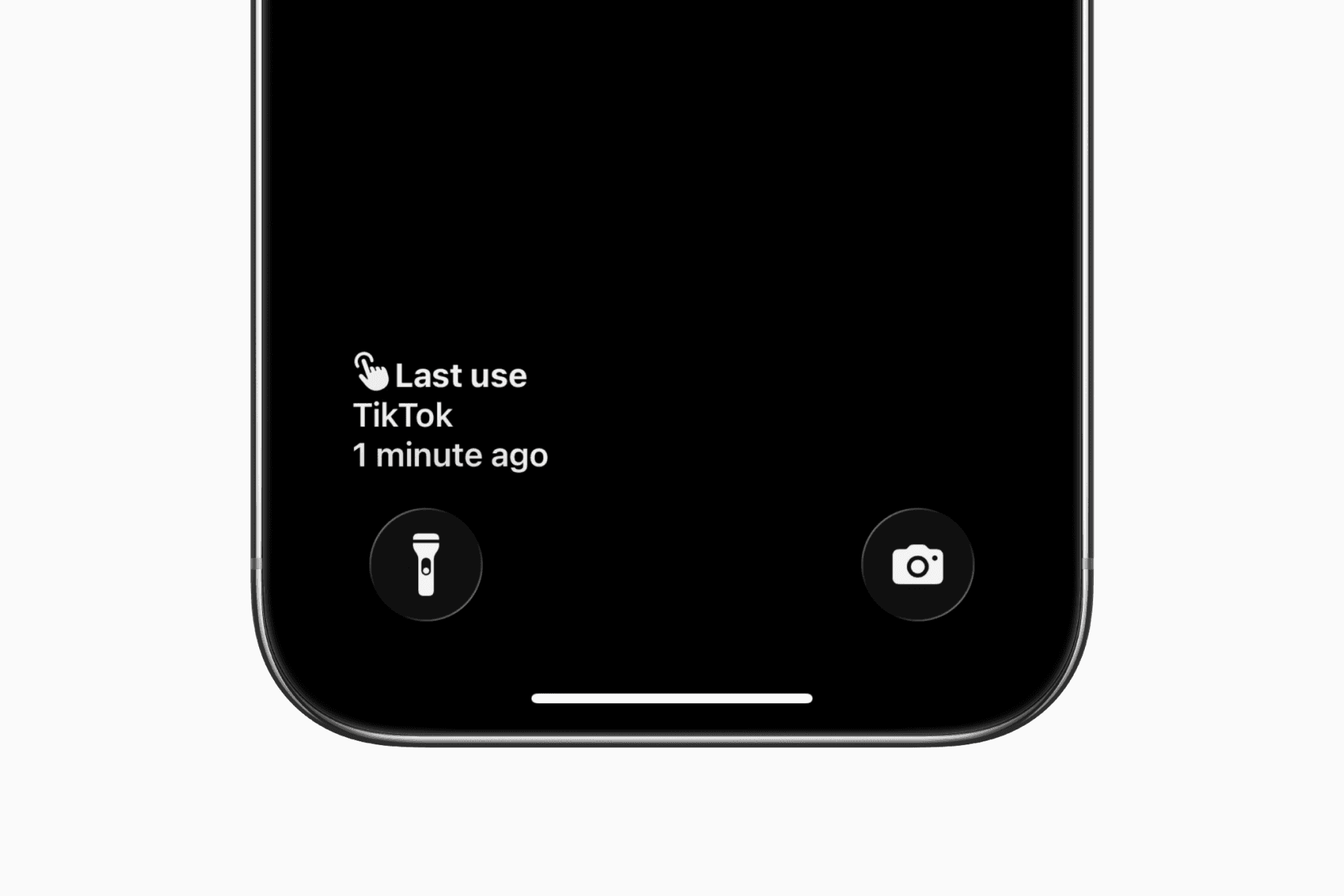
Its Lock Screen widget shows when you last opened an app like TikTok, giving you a small reminder of how recently you checked it.
If you’re trying to scroll less, keeping that information visible can help you become more mindful of the habit.
5. Life Dots
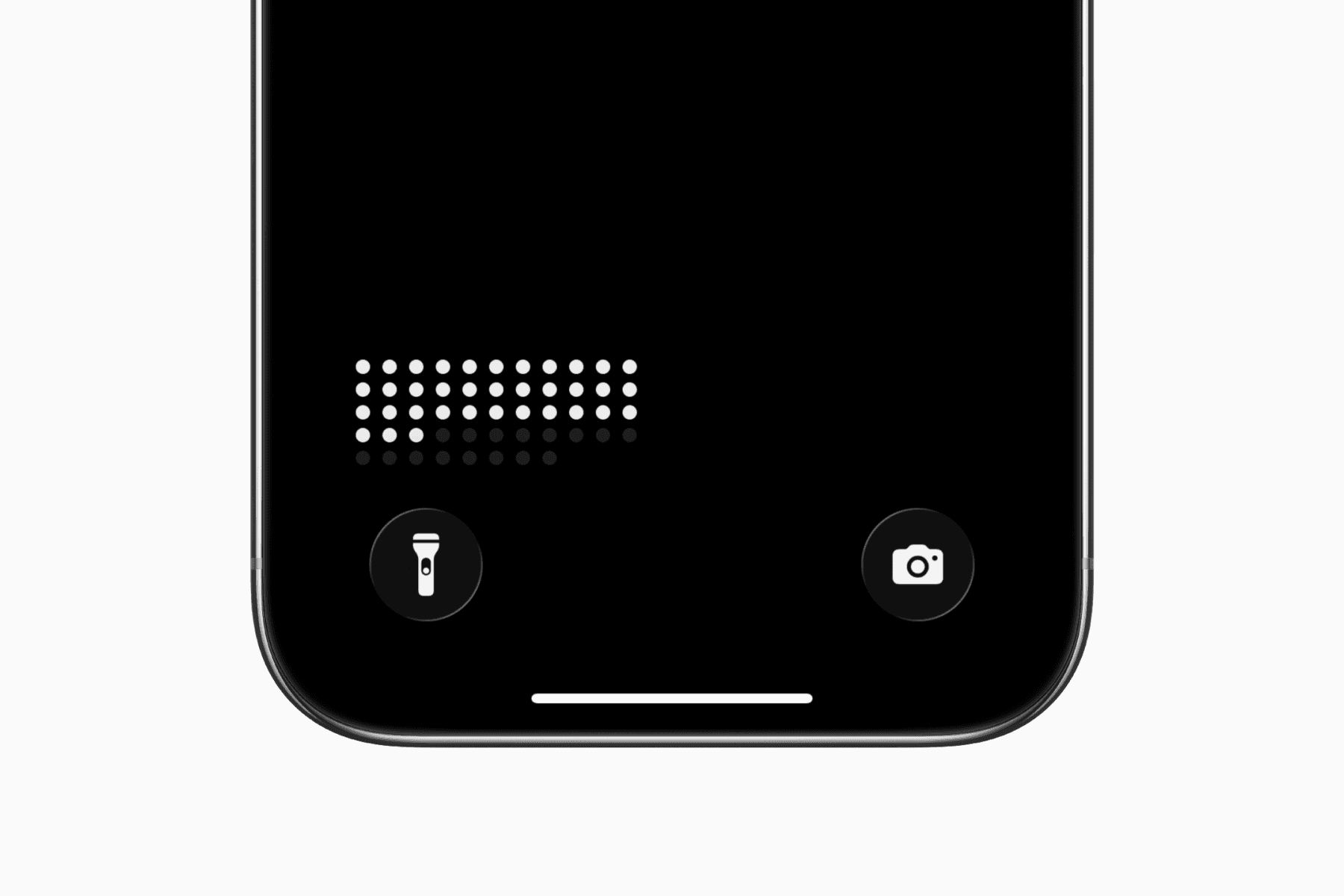
Life Dots helps you visualize your day, month, year, or life as a grid of dots, with filled dots representing time that has passed.
Adding it to your Lock Screen can make you more aware of how quickly time passes, which can feel a little scary but also motivating.
It’s less about practical information and more about keeping the bigger picture visible as a reminder to make the most of your time.
Final thoughts
If you want to use your phone as a tool rather than a distraction, Lock Screen widgets can help.
By displaying useful information on your Lock Screen, you can reduce the need to unlock your phone or open an app.