How to turn off YouTube Shorts
YouTube now lets users set the Shorts limit to zero minutes.
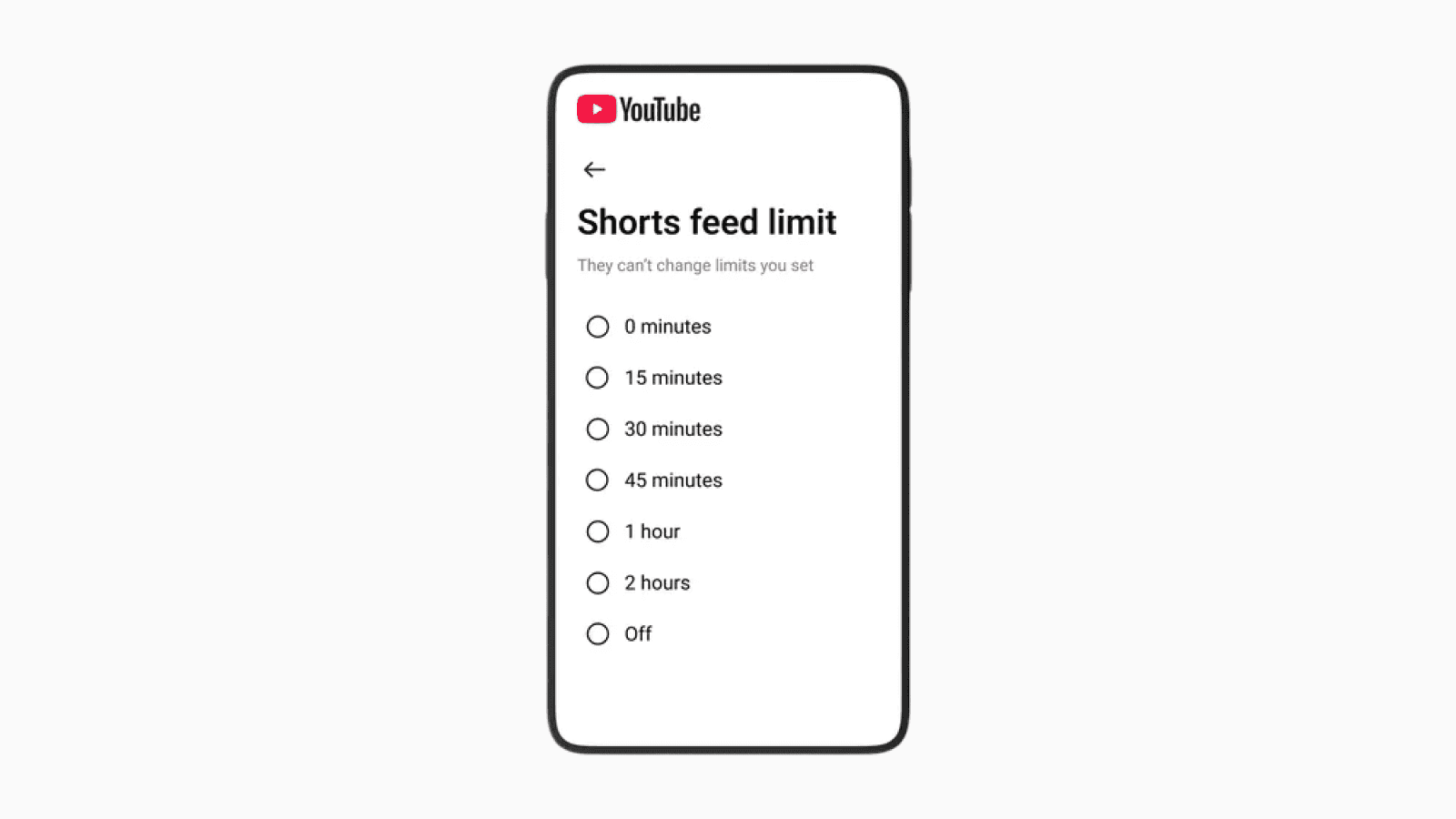
Photo: Google
YouTube has always been a goldmine for educational videos and looking up how-to tutorials.
The introduction of the Shorts tab, however, made YouTube feel far more distracting, pulling users into an endless feed of short videos that rarely leave a meaningful impact.
The YouTube app on iOS and Android now includes a new option that lets you set your Shorts feed limit to zero minutes.
This effectively prevents yourself from scrolling the Shorts tab entirely.
Turn On the Shorts Feed Limit
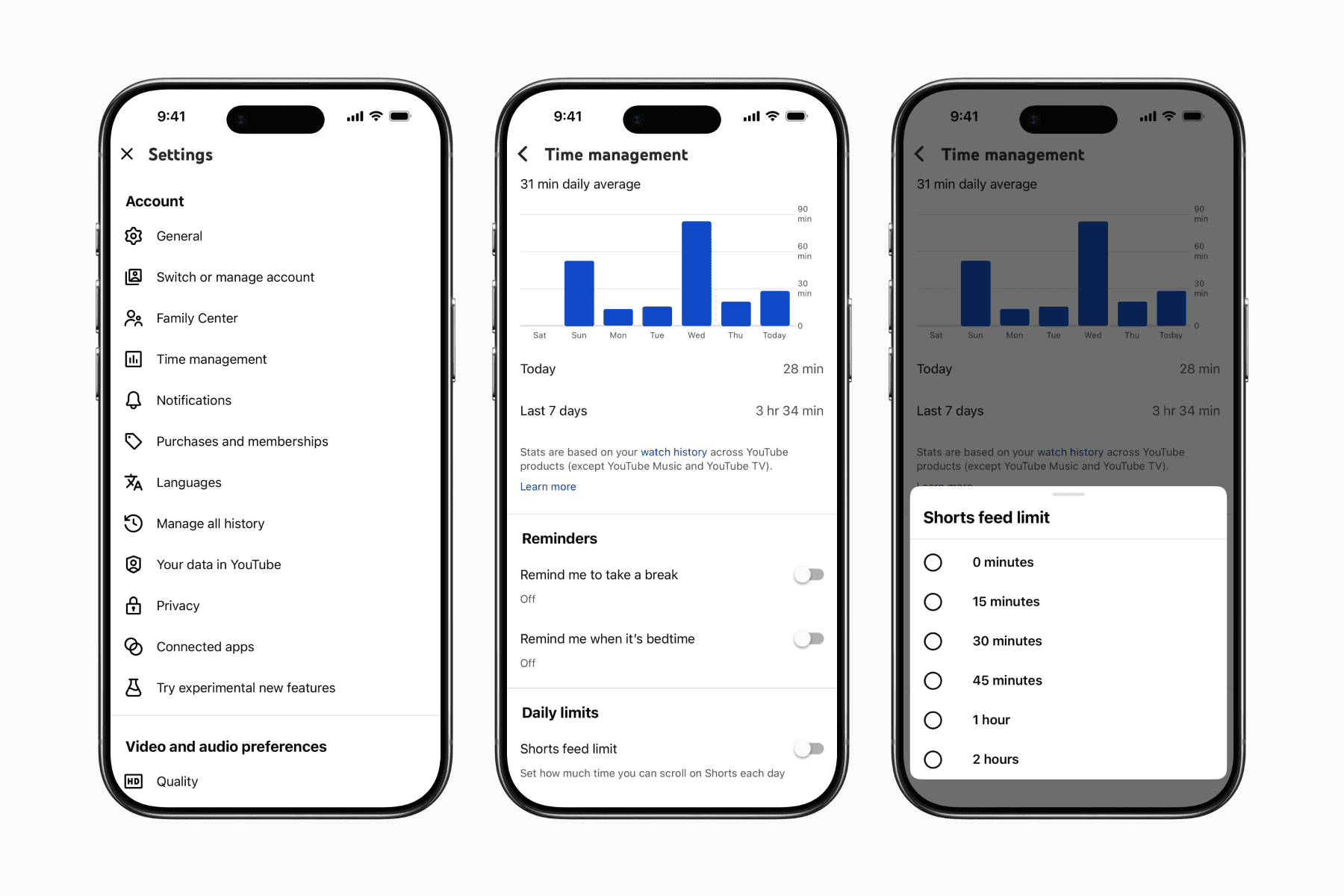
Open YouTube and go to the Profile tab
Tap the gear icon to open Settings
Go to “Time management”
Enable “Shorts feed limit”
Set the limit to “0 minutes”
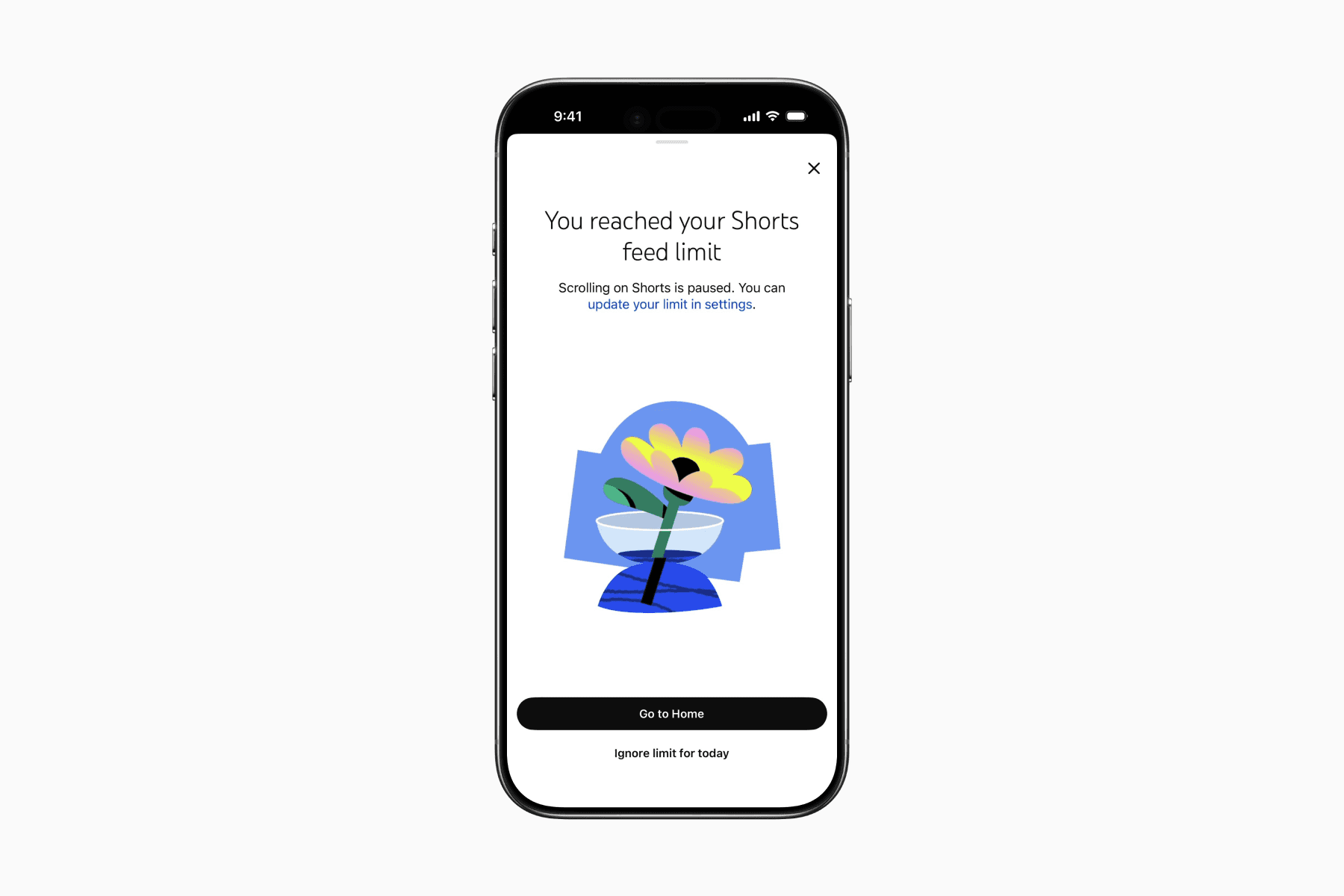
Once enabled, the Shorts tab stops showing videos and instead displays a pop-up screen telling you that you’ve reached your limit.
Unfortunately, there is still an “Ignore limit for today” button directly on that screen, meaning the restriction can easily be dismissed with a single tap.
Nevertheless, I still see this as a positive addition for people who consciously want to spend little to no time on YouTube Shorts.
At the very least, it introduces a small layer of friction when opening YouTube mindlessly, which can hopefully help you pause and become more intentional about what you actually want to watch on YouTube.